Generating a good five second clip with AI is easy now. Making something that still holds together three minutes later is not. These guides are about that gap: keeping a character the same person from one shot to the next, controlling motion with keyframes instead of hoping a prompt lands, giving characters voices, and building a film in scenes rather than clips. Everything shown is from real projects, not mockups.
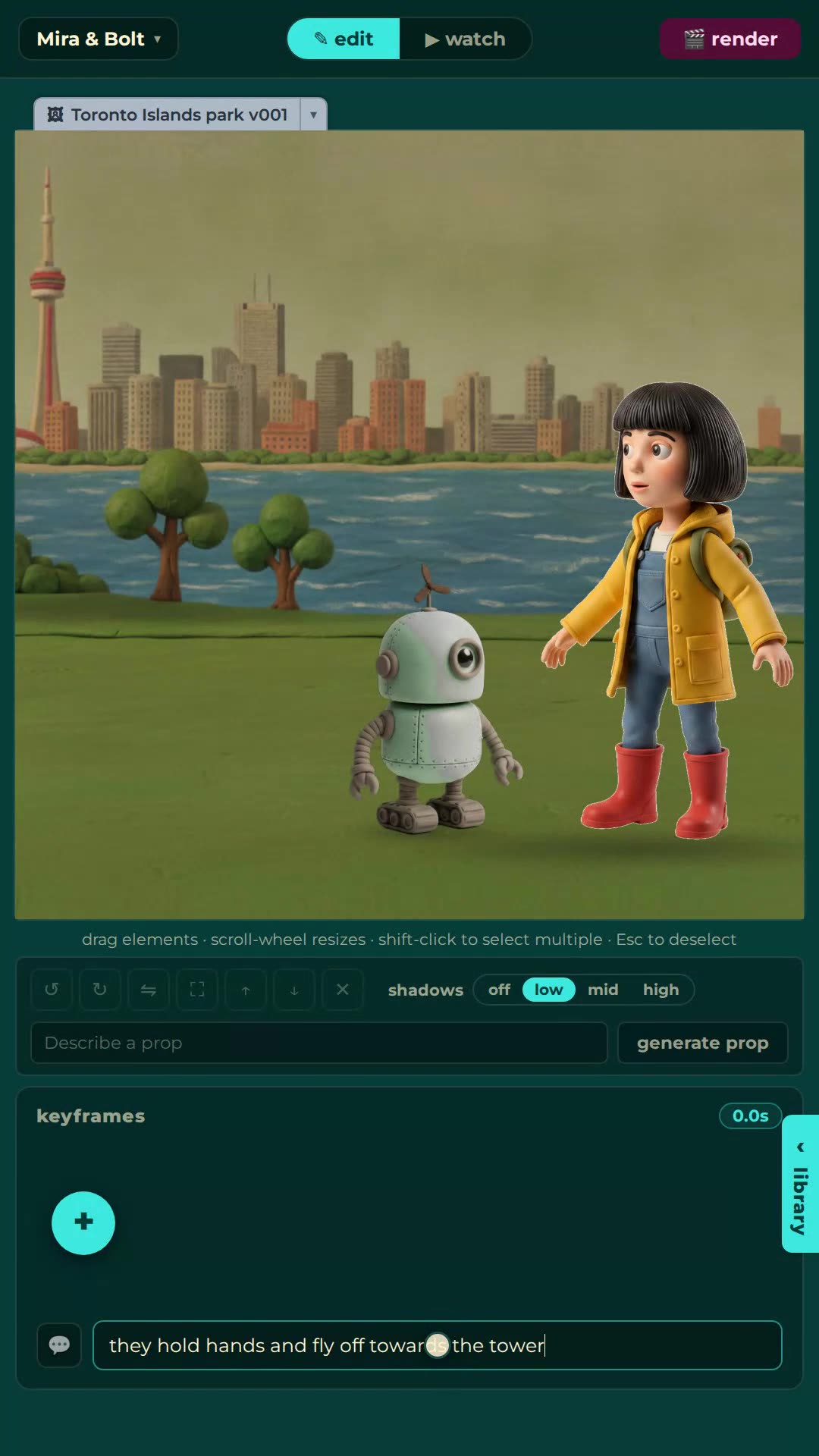
A complete walkthrough from signing up to a finished film: create characters, storyboard by typing, edit keyframes, add dialogue, render and share. No animation experience needed.
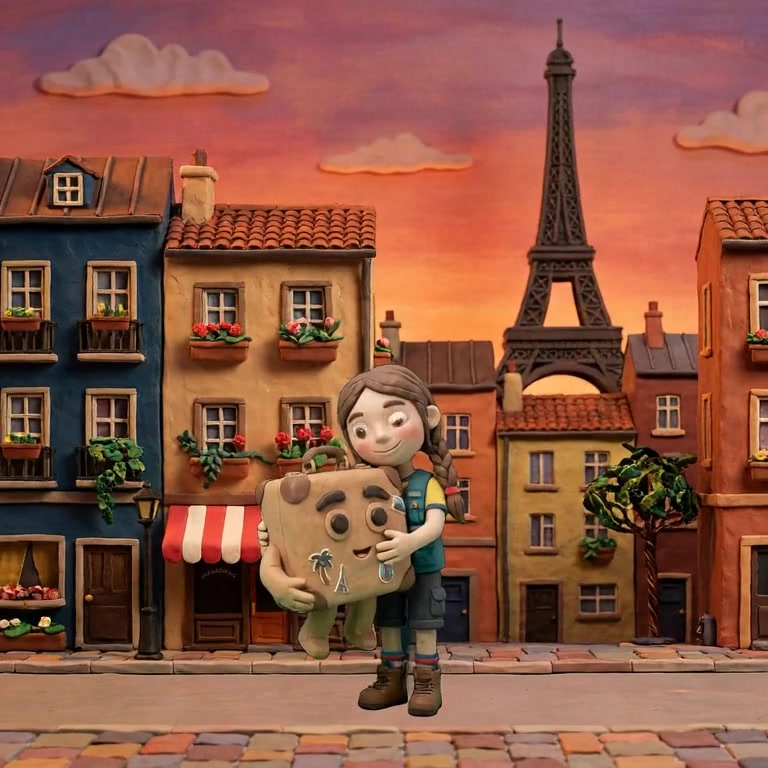
There is no single best AI animation tool, there is a best one per job. What each category is good at, and which one to pick for character-driven animated stories.
An AI storyboard is the plan for a video, shot by shot, made with generated images. What an AI storyboard generator gives you, where most of them stop, and how a storyboard can become the film.
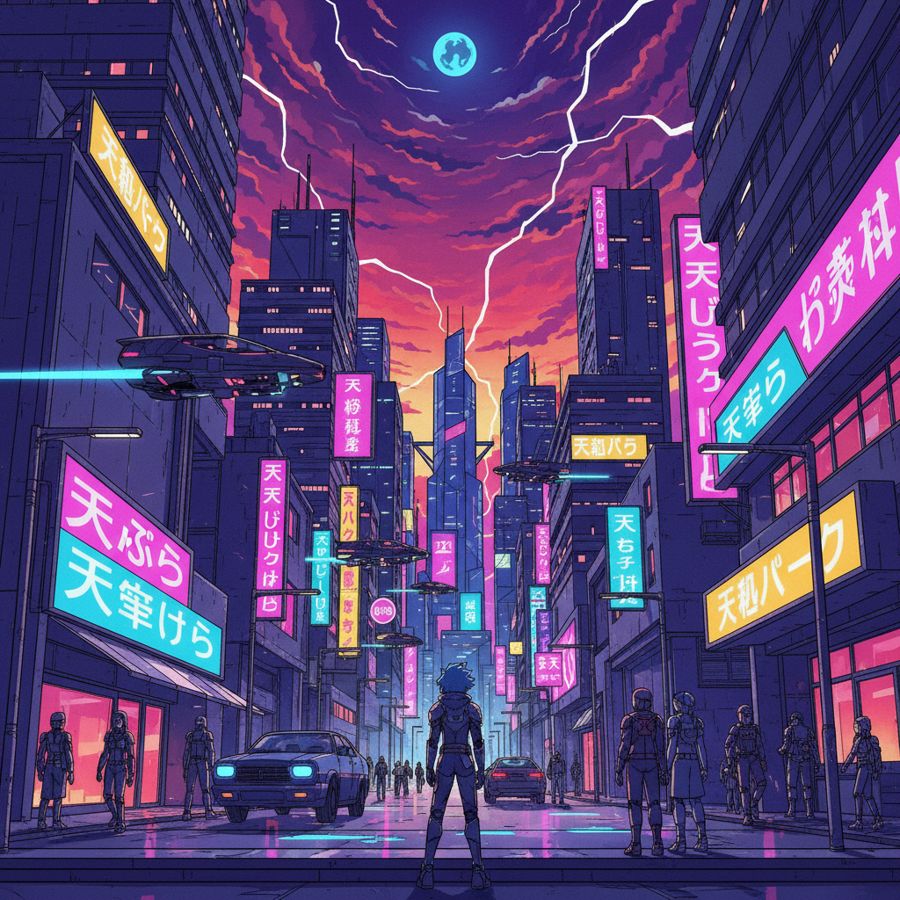
Most AI video generators are trained toward photoreal footage and flatten a drawn look. What a 2D-native AI animation generator does differently, for cartoon, anime, claymation and pixel art styles.
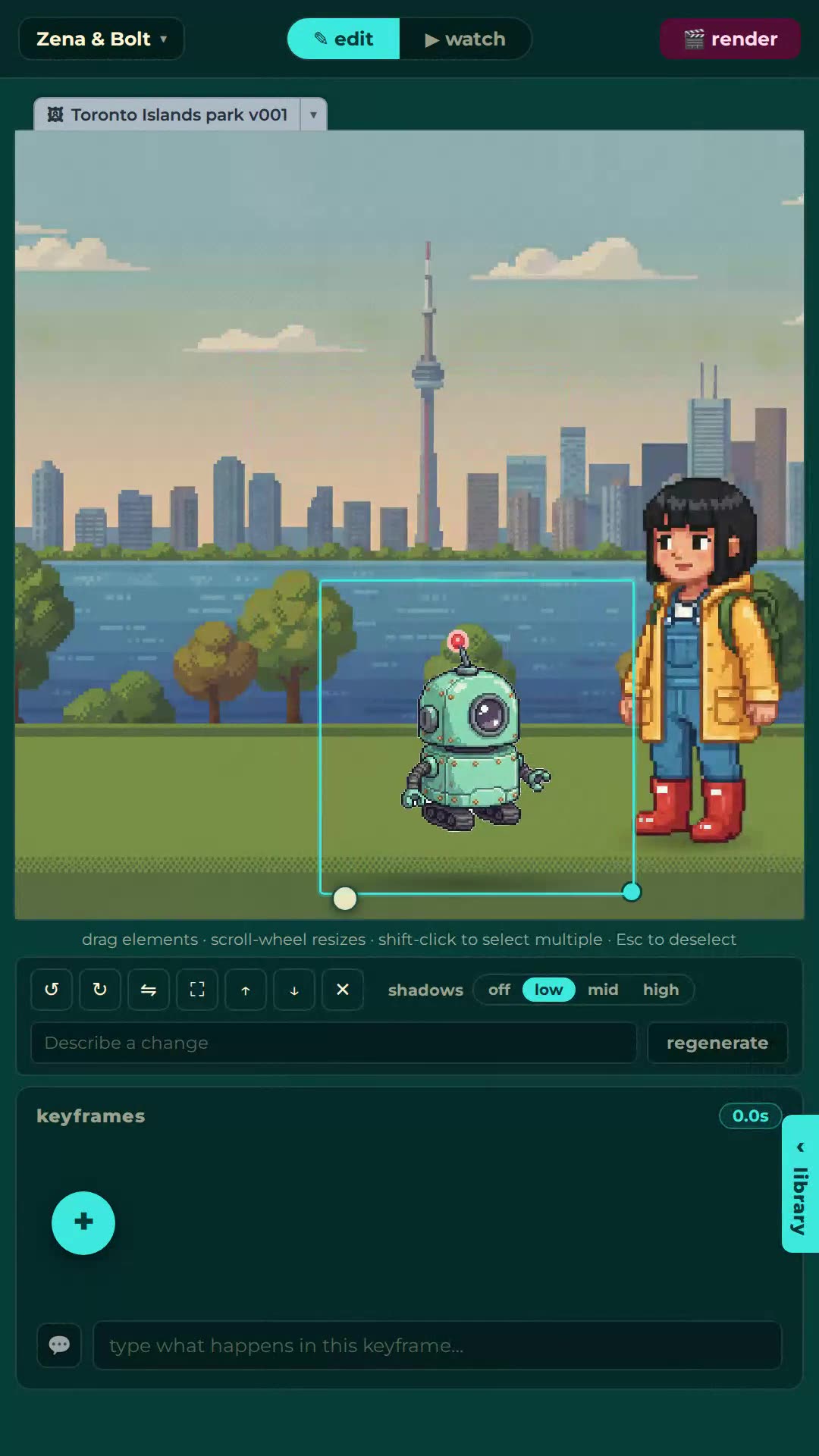
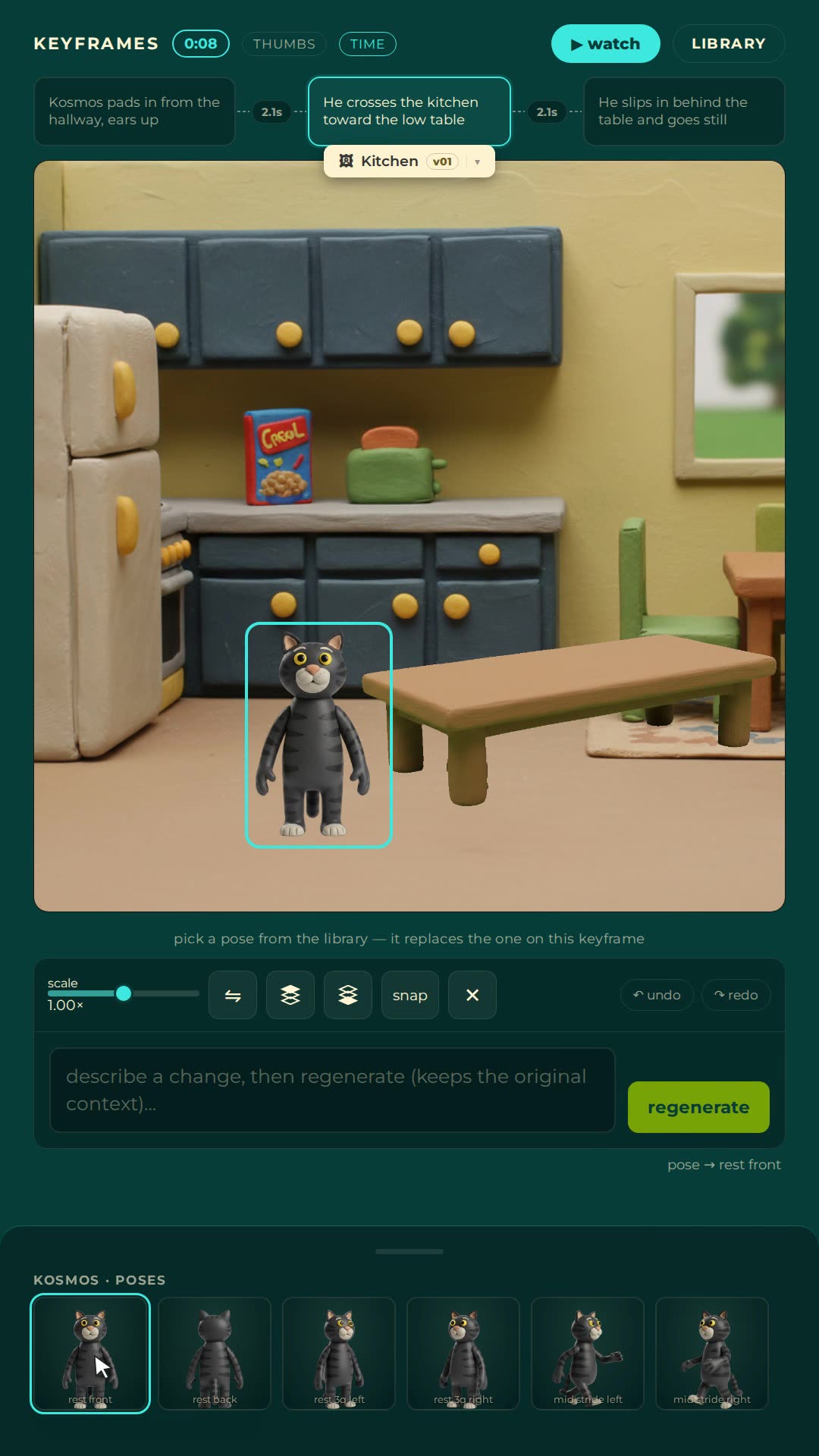
A keyframe is a still image that pins down one moment of a shot. Set two of them and the model animates the gap. This is the control that separates directing from gambling.
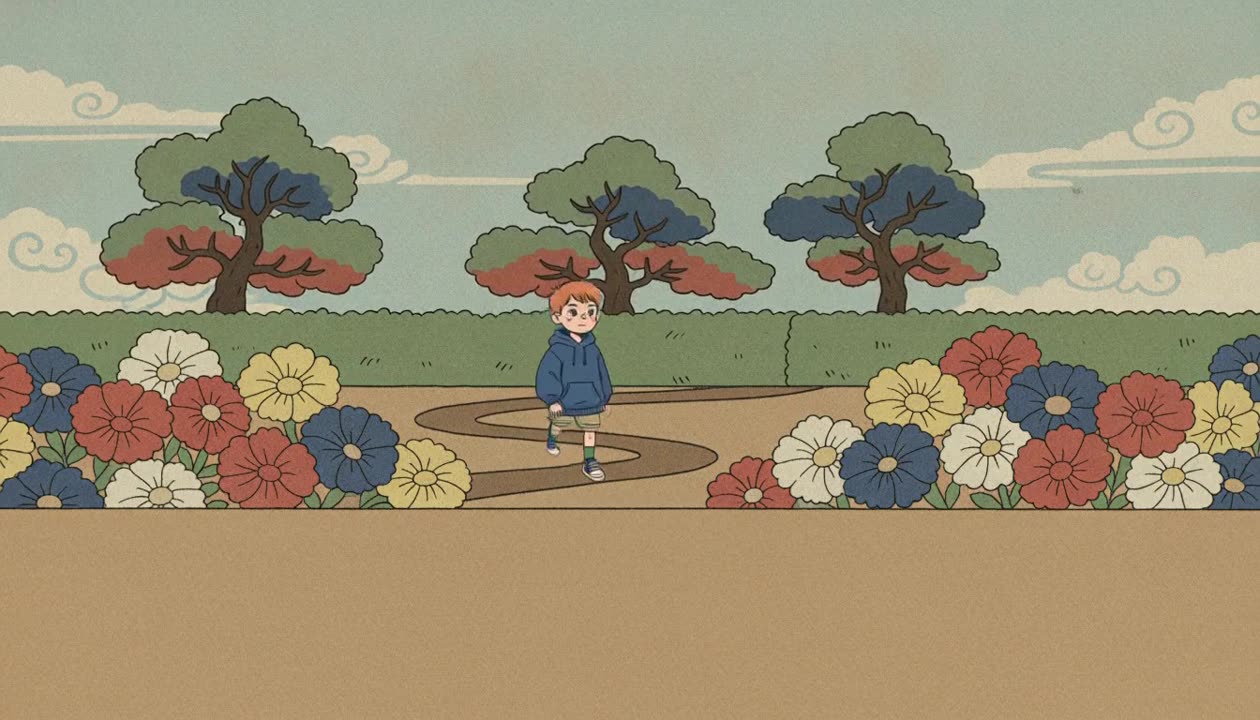
A worked example: one three shot scene, nine authored stills, two hard cuts, 474 rendered frames, no retries. Where each keyframe goes, and where to cut instead of keying.
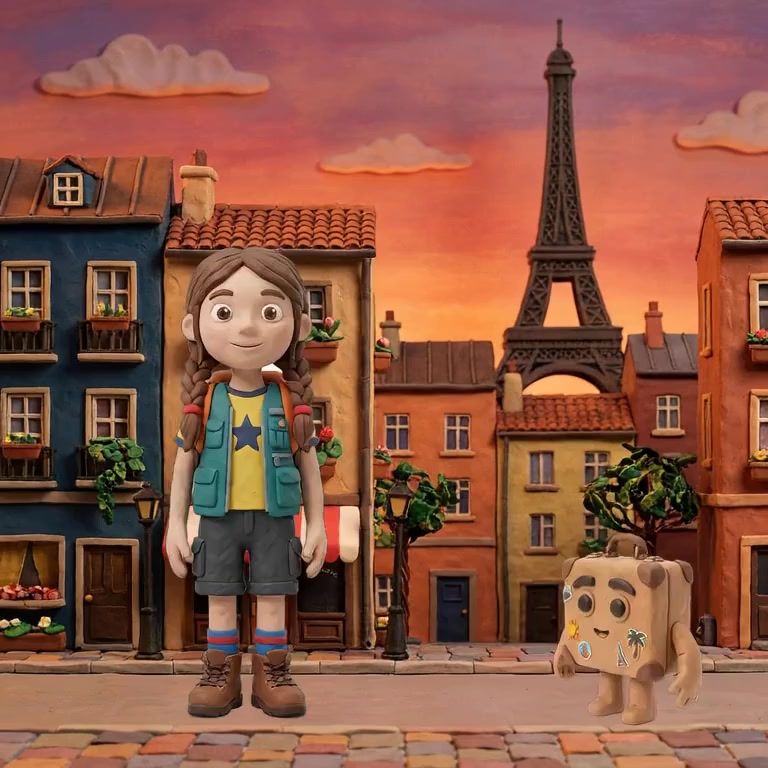
Consistent characters in AI video come from reference conditioning: every shot generated against fixed images of the character, not a text description. Why drift happens, how to stop it.
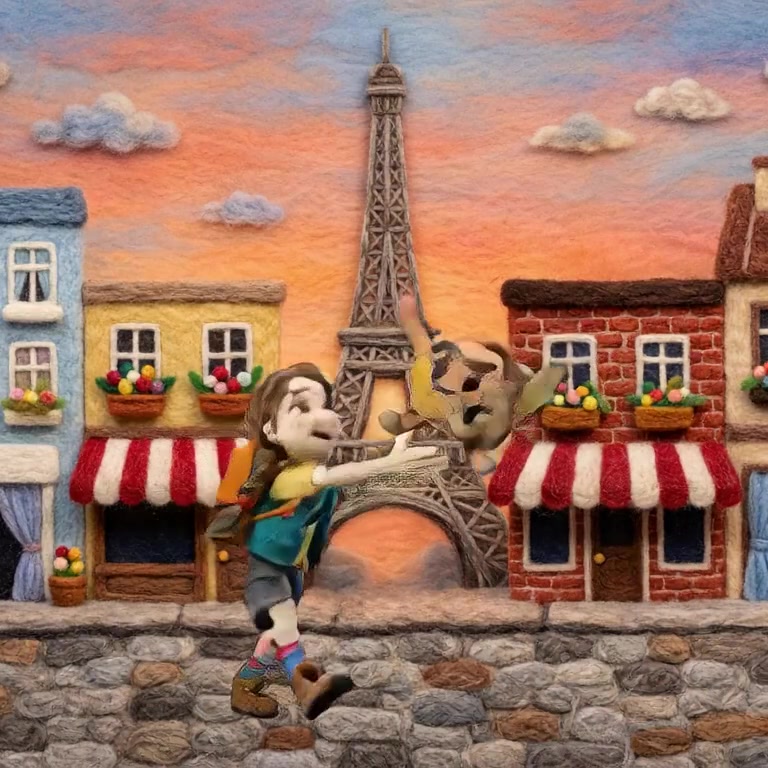
Making an animated video with AI takes an afternoon: write the beats, lock characters and style, keyframe the shots, render and cut. The four habits that make it look professional.
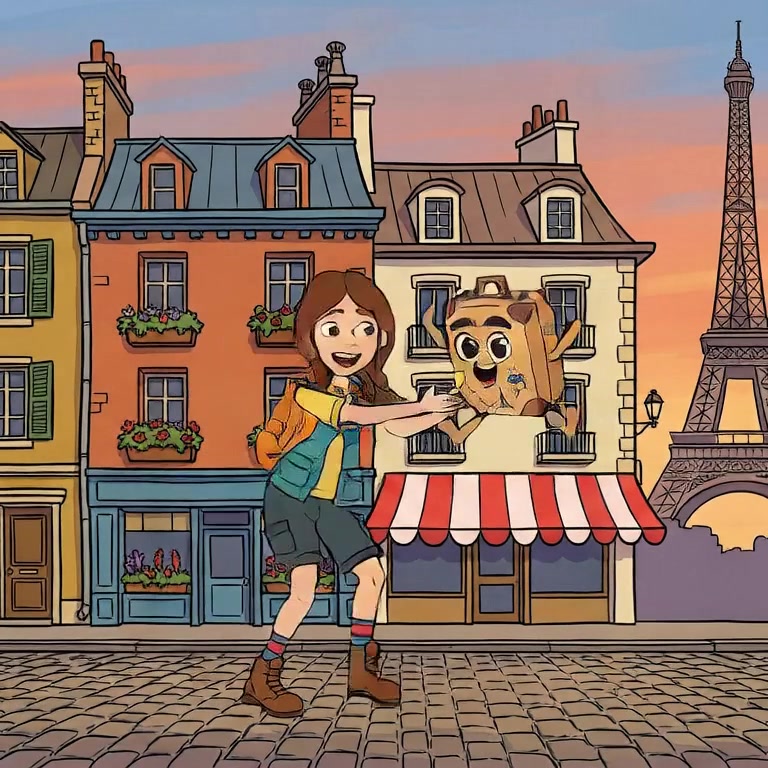
An AI cartoon generator gets you frames; a cartoon needs timing, gags and a committed flat style. How to make a cartoon that is funny on purpose, not just animated.
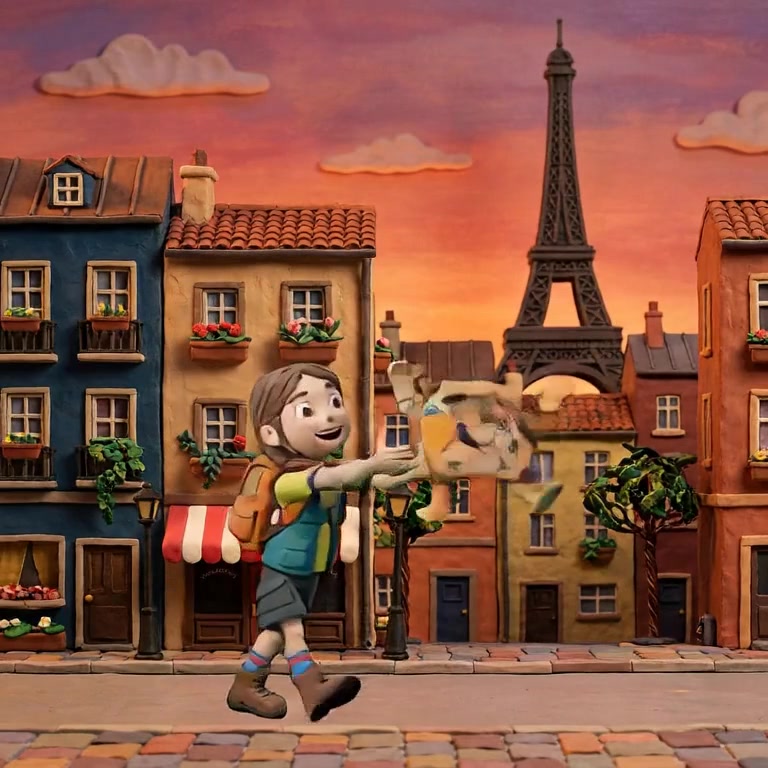
Claymation used to cost a sculptor, a lighting rig and a month of patience per minute. The look survives digitisation almost perfectly. What that pipeline looks like now.
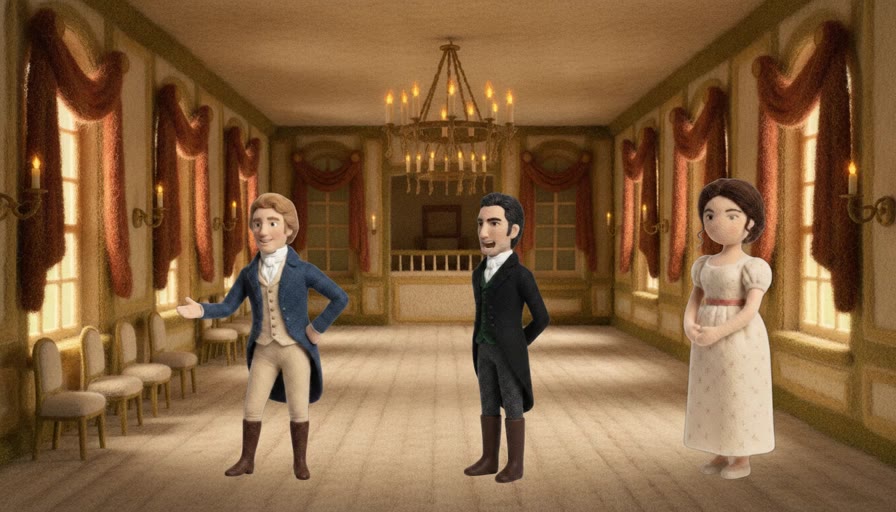
AI video tools cap a generation at a few seconds, and no setting raises it. Long videos are made the way films always were: scenes, shots, and joins that do not show.
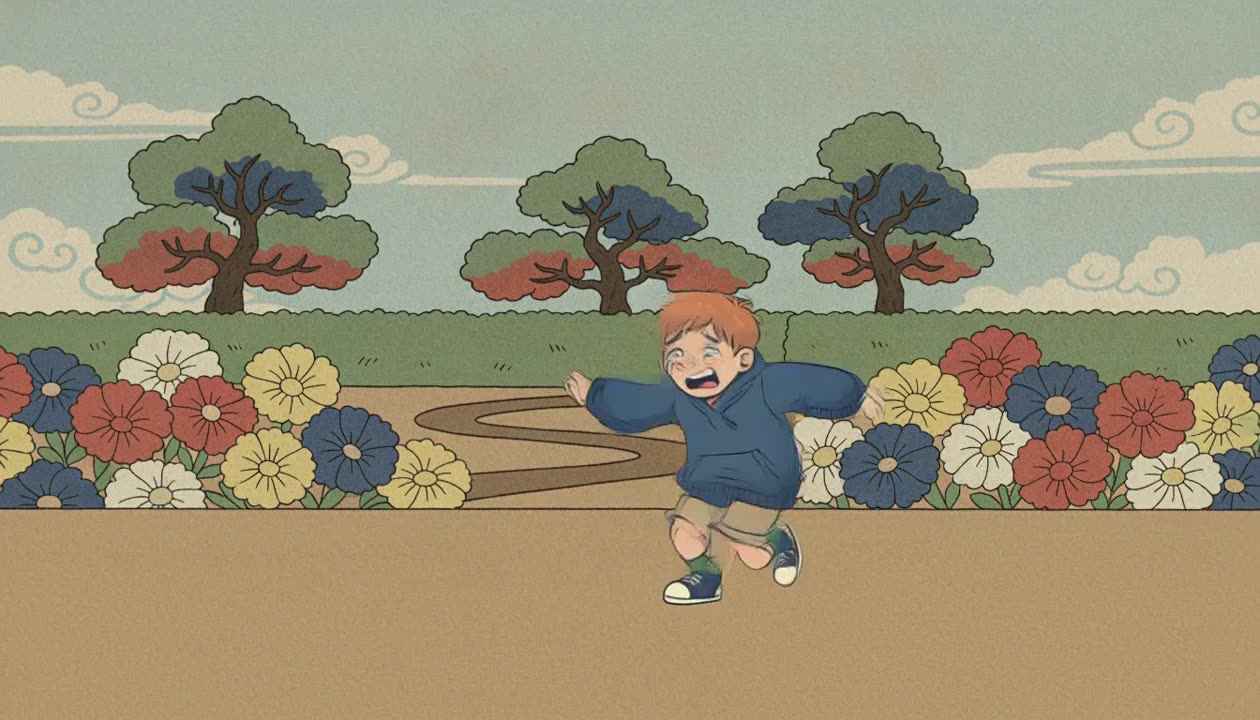
AI video generators cap a clip at five to fifteen seconds. How to get past the ten second wall without stitching clips by hand: several shots in one scene, cut where the picture changes.
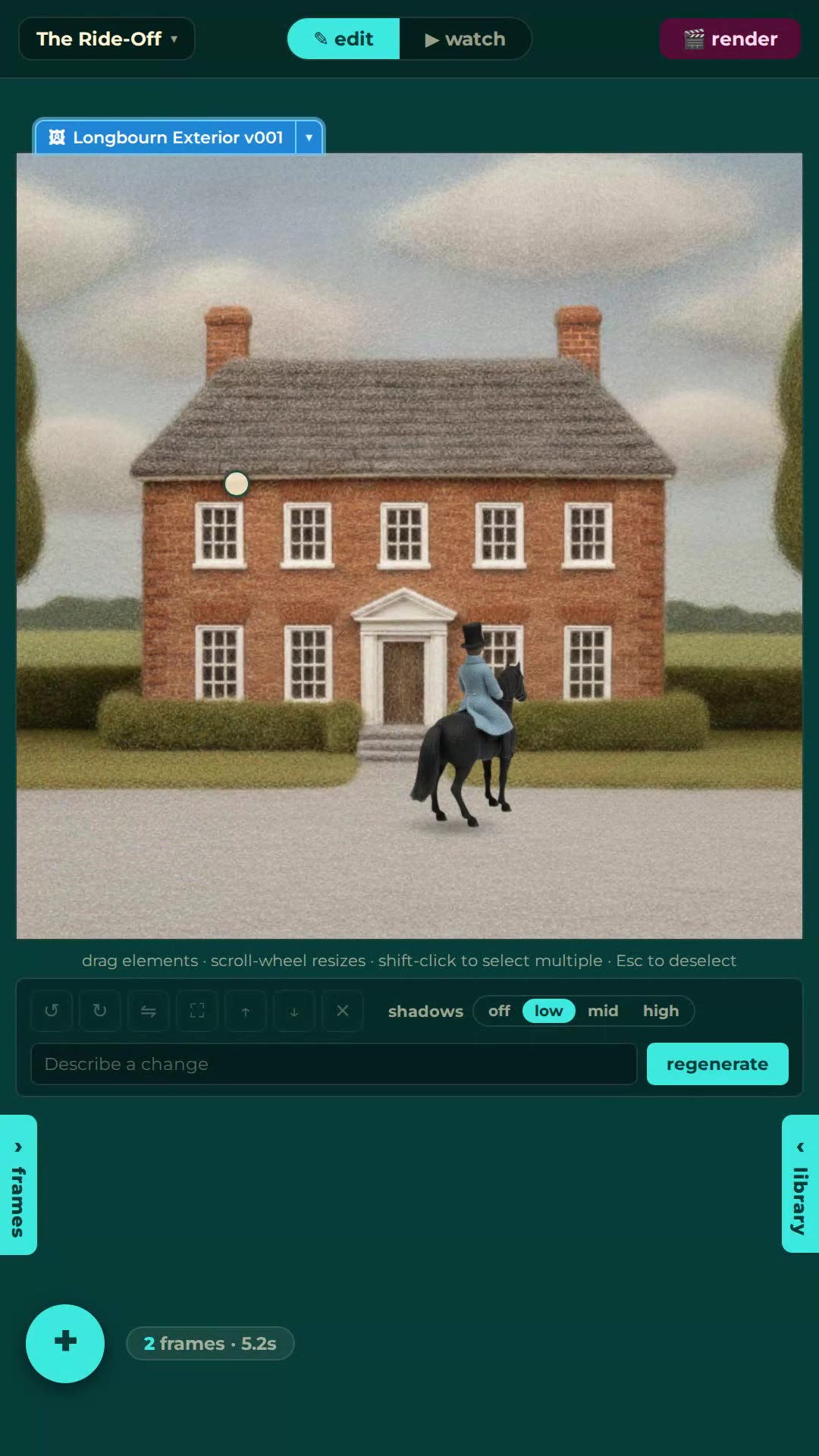
A book is a finished screenplay wearing prose. Adapting one with AI: rights, casting from the text, scenes as episodes, and a Pride and Prejudice built this way.
Text to animation is real, but it is not one magic prompt: your words do four different jobs, beats, characters, changes and dialogue, and each job has its own rules.
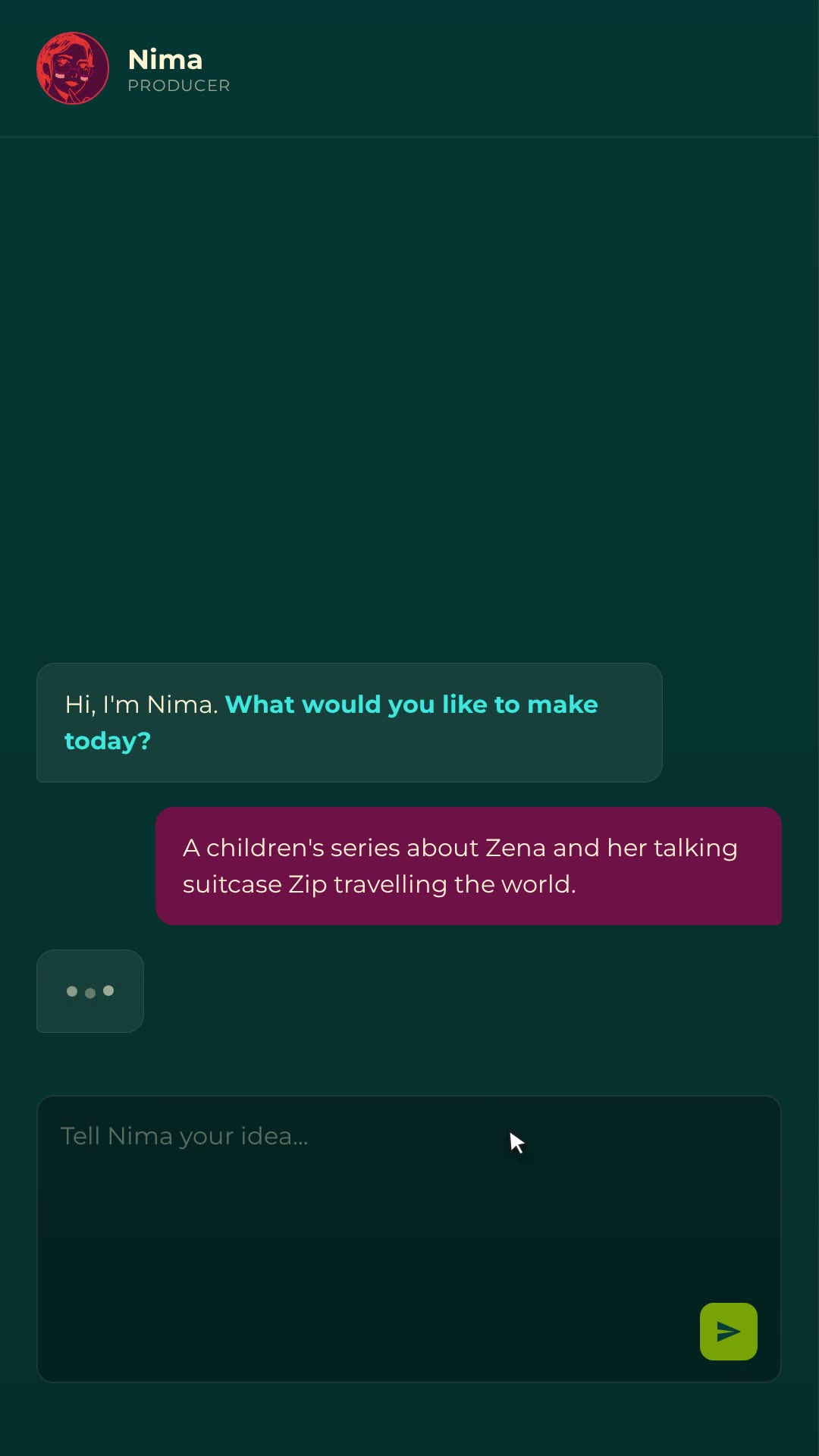
A screenplay is already structured for production: scenes, action lines, dialogue. Script to video with AI is mostly translation, and here is what maps, what does not, and how.
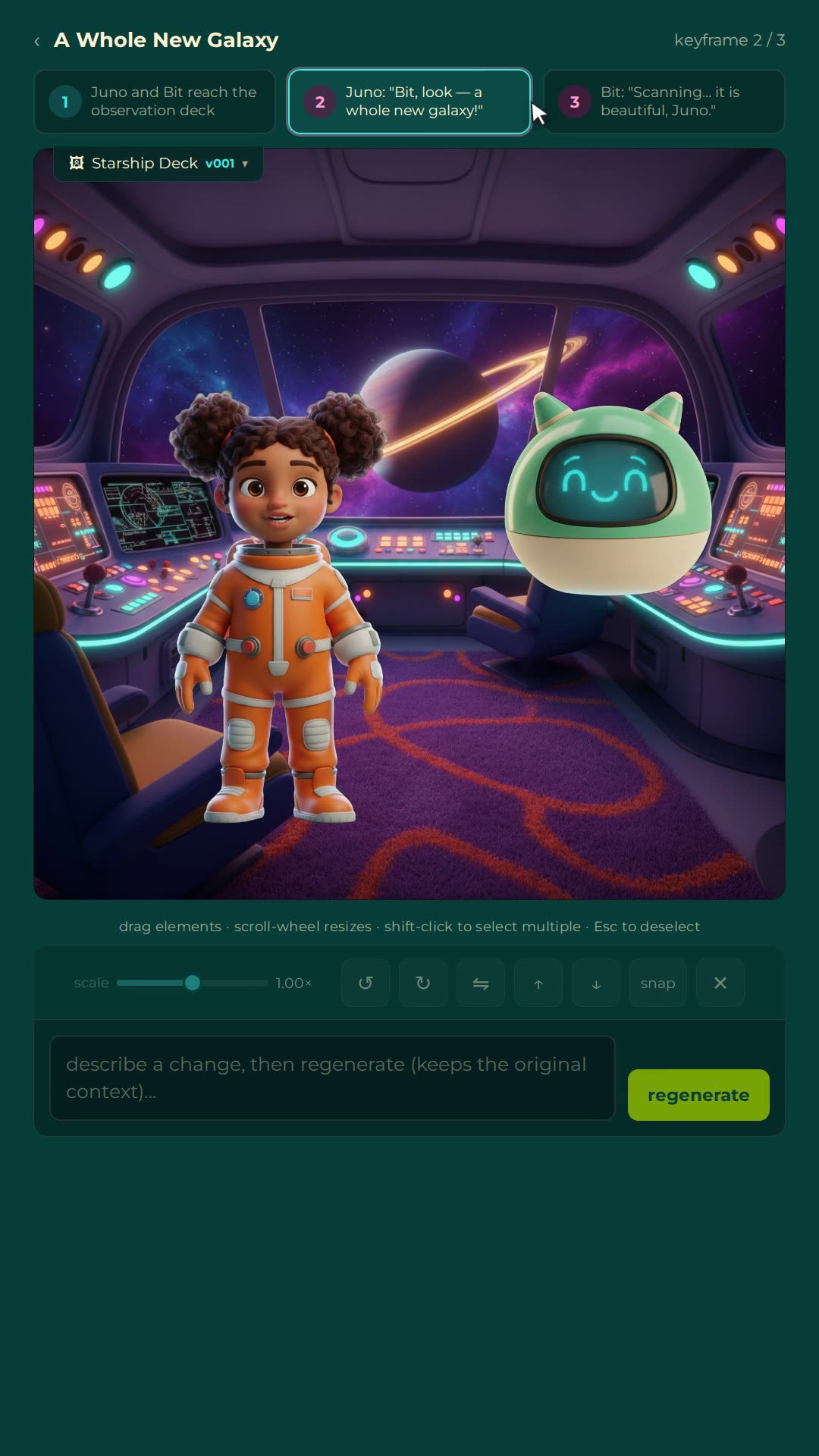
Typed lines become performed voices and animated mouths. How AI dialogue works, why 2D lip flaps beat full lip-sync re-renders, and what a talking scene costs to change.
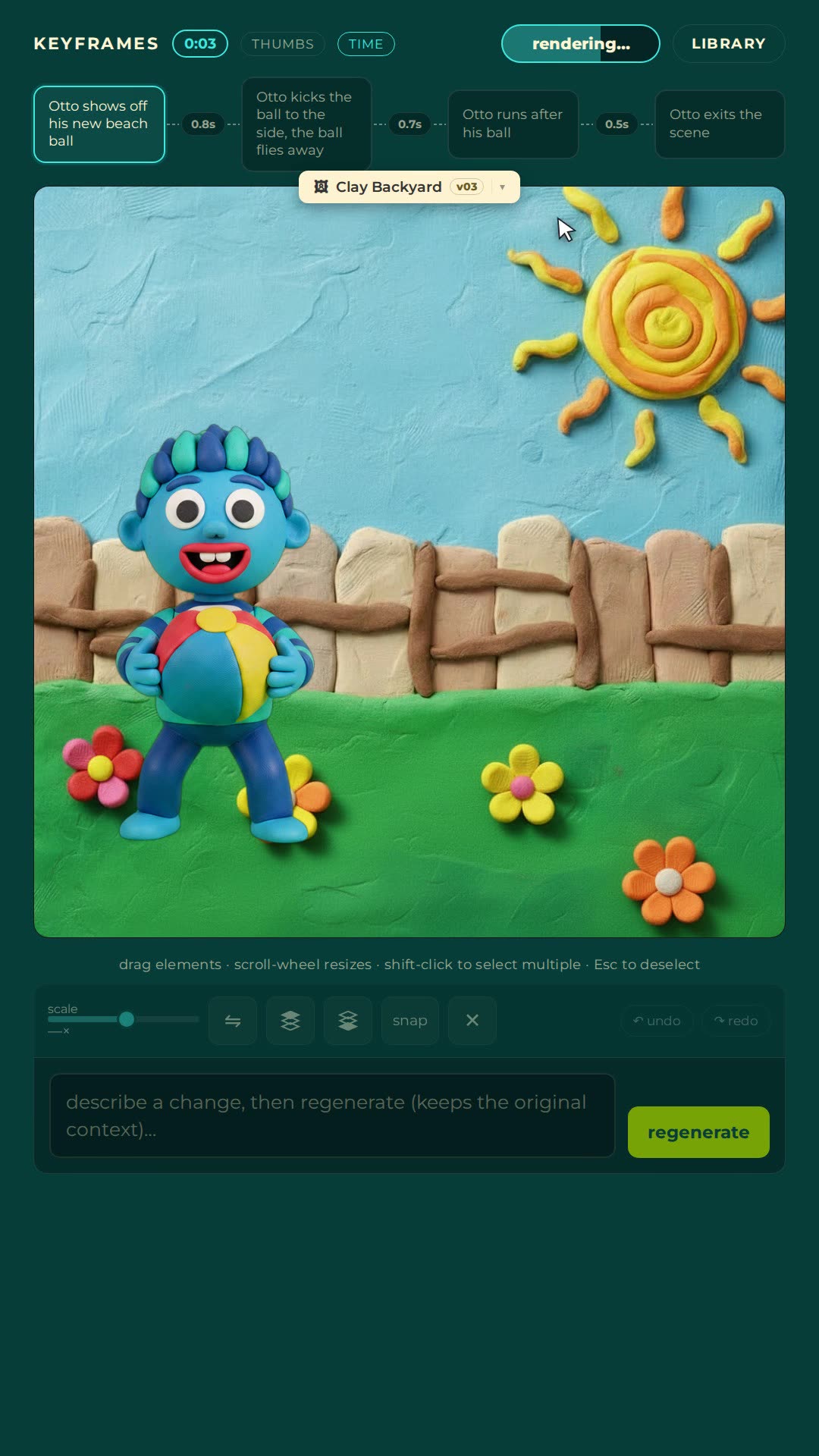
Studios quote thousands per finished minute, AI tools shout free, and nobody writes the honest middle. Real numbers for every tier, including the cost that is not money.
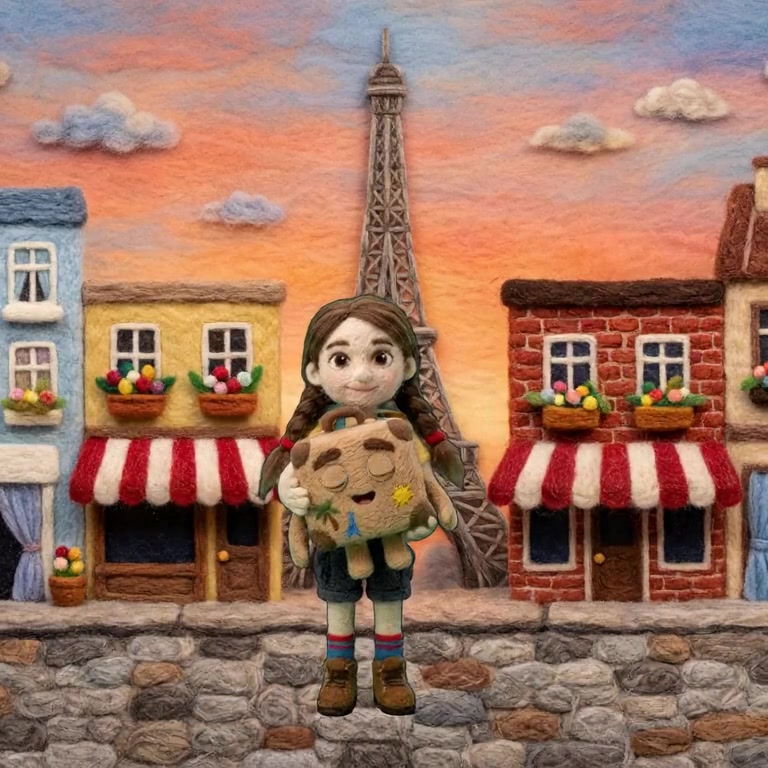
Free tiers are real, but the limits are rarely on the pricing page: watermarks, credits, resolution caps and commercial-use restrictions. How to read one before you invest a weekend.
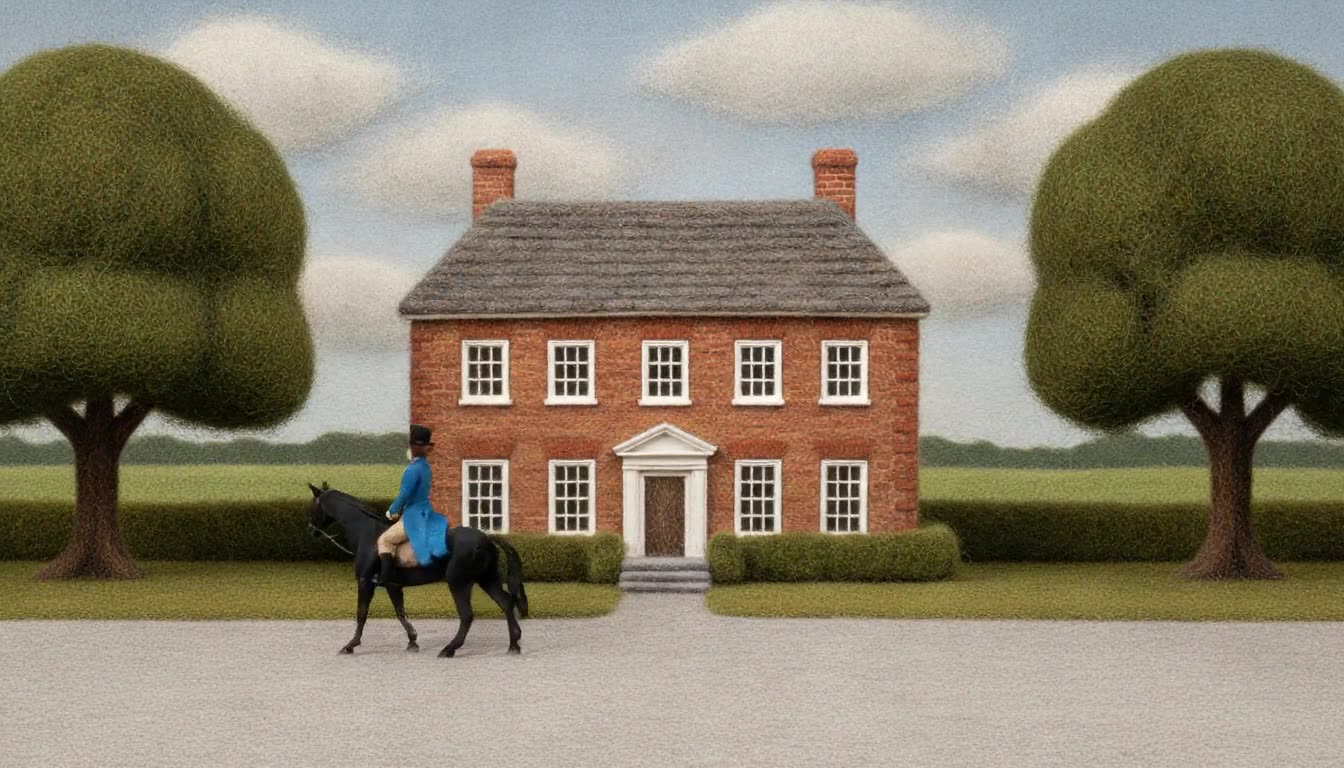
Yes, on every major platform, with disclosure where the content is realistic enough to mislead. What YouTube, Instagram and TikTok actually require, and where the real risk sits.
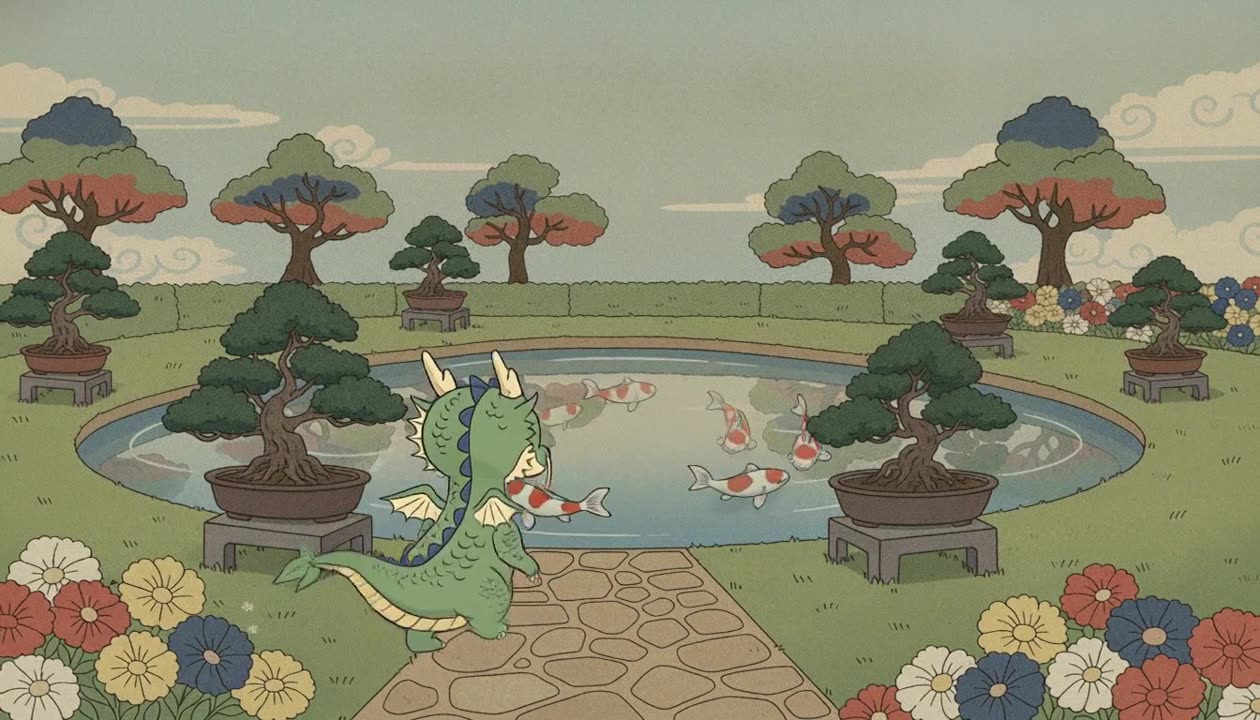
We ran 24 generations changing only the wording. Naming the camera operation and its size worked 4 times out of 4. Describing the picture you wanted worked 0 times out of 4. What that means for how you write a prompt.
You cannot move a character in Premiere, because footage is just pixels. Generated video keeps its inputs, and editing those is the real workflow. What that looks like.
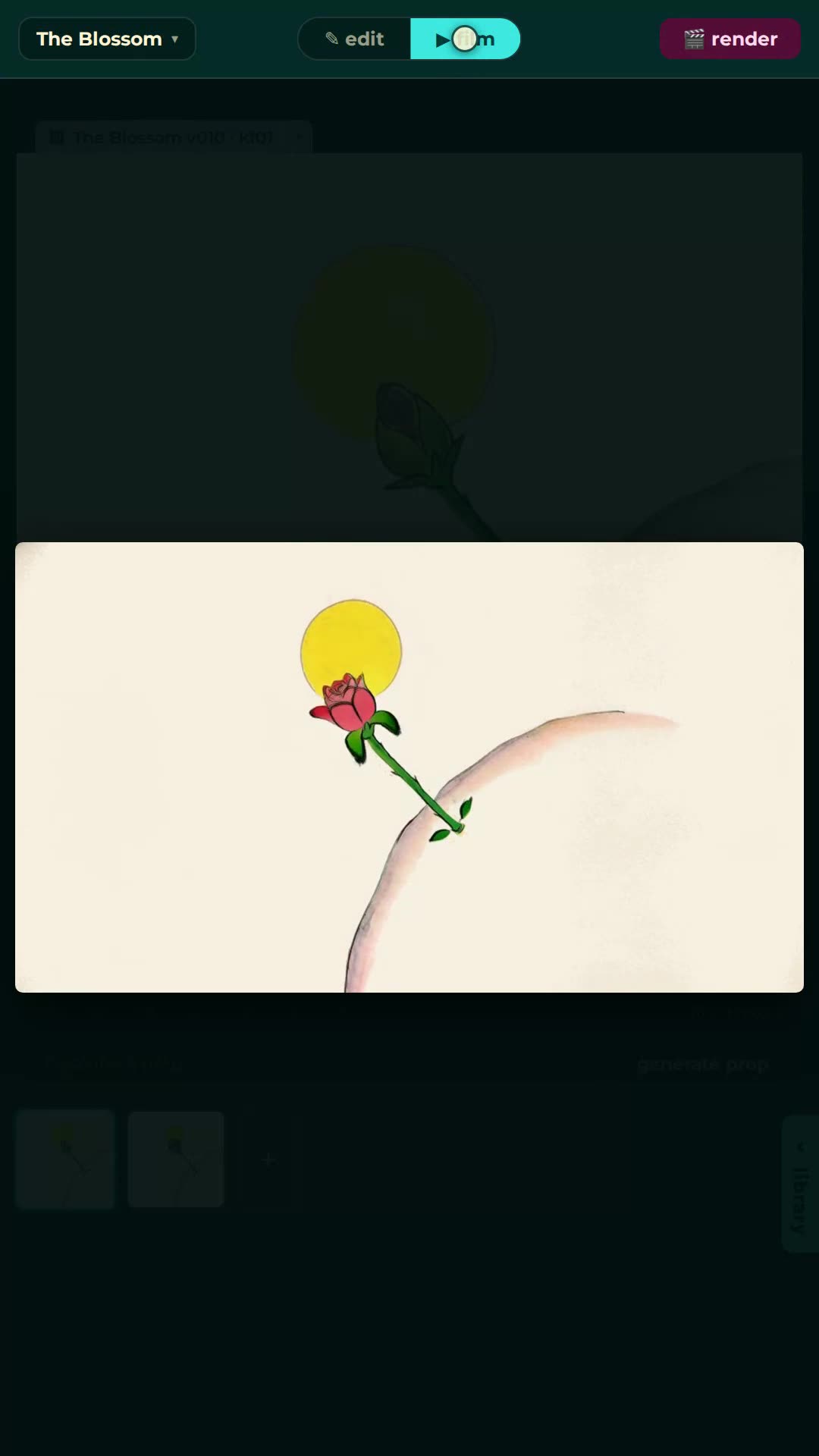
Animation backgrounds with AI: generate a location from a description, swap it under a finished scene, or edit it in place, all without touching the characters in front of it.
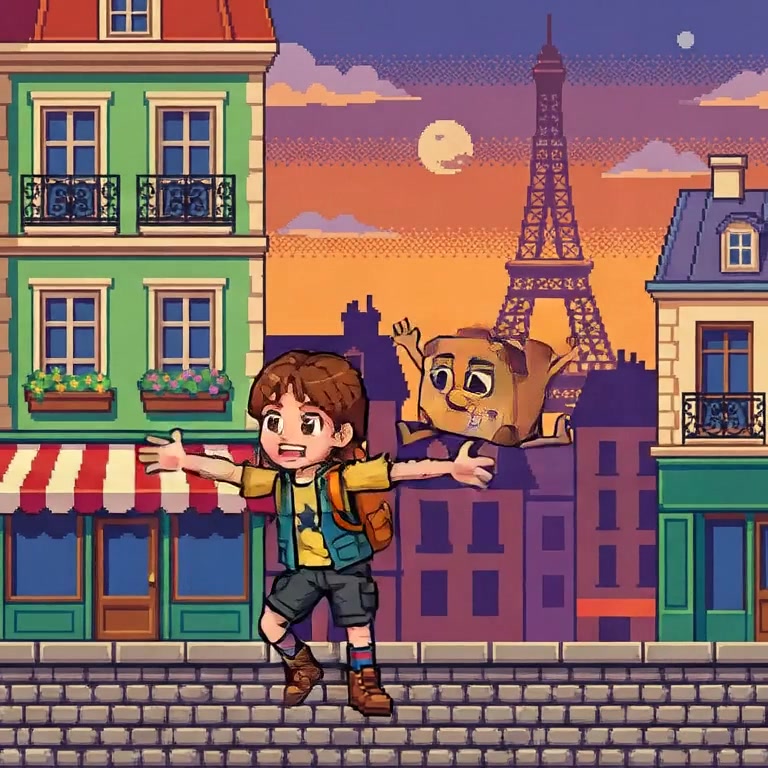
Style lives at the keyframes, so restyling a video means regenerating its stills in the new material and re-rendering, and identity has to survive. Watch clay become pixels.
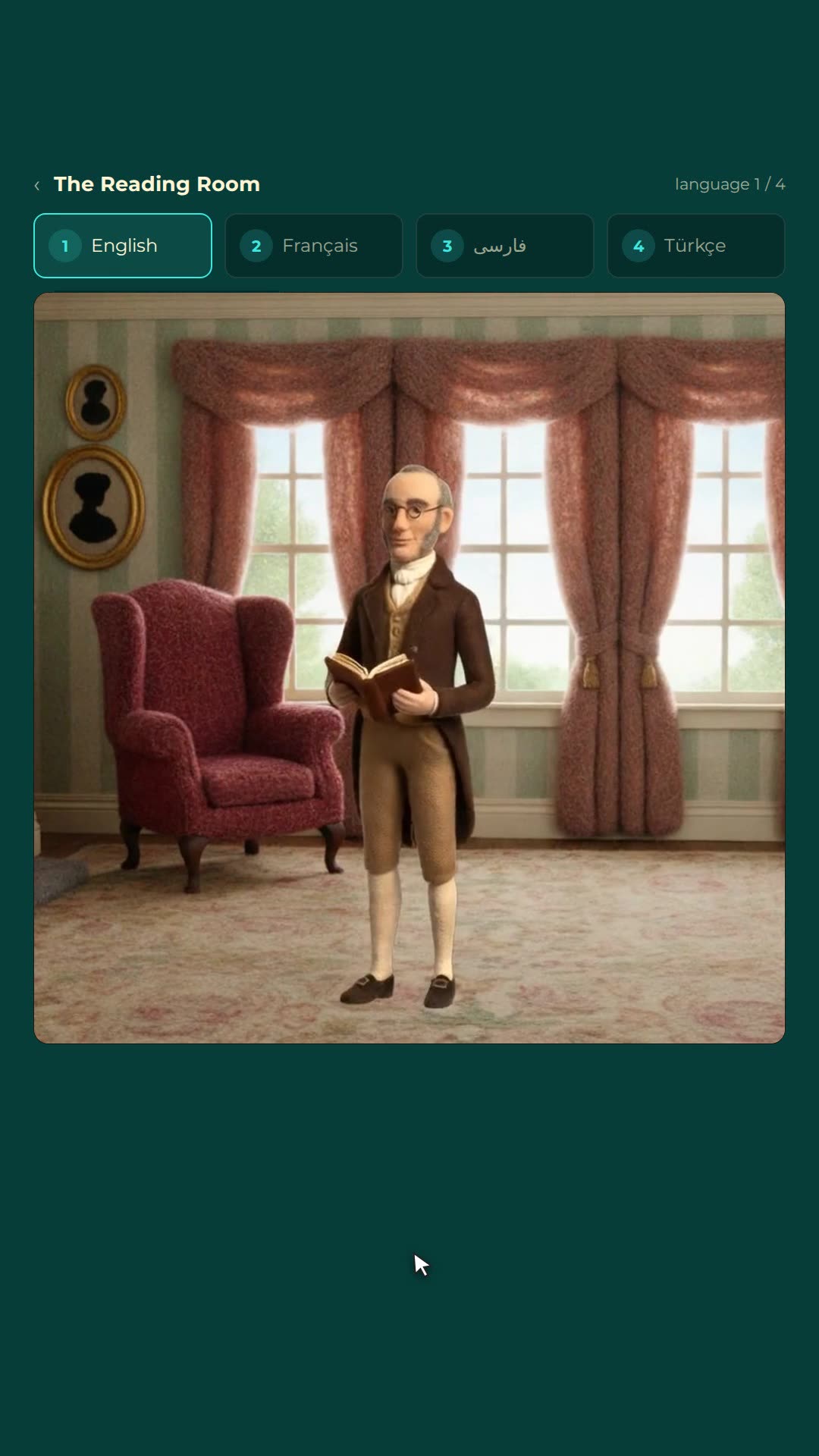
AI dubbing works better on animation than on anything else: re-perform the lines per language, retime the mouth flaps, keep every frame. One film, native everywhere.