Free AI animation tiers are real, but almost all of them are capped at the point where you would produce something publishable. The four limits that actually matter are rarely on the pricing page: watermarks on output, credits that run out in an afternoon, resolution or length caps, and restrictions on commercial use. A free tier is best treated as a way to evaluate the tool, not as a way to make a film for free.
1. Watermarks. The most common free-tier limit, and the one people discover last. Output carries the tool's branding, which is fine for learning and unusable for anything you would publish. Check whether the watermark is removable on a paid plan, and at which tier.
2. Credits. Most tools meter free usage in credits rather than time, and a credit usually buys one generation. The honest way to read a credit allowance is to divide it by the number of attempts a shot really takes, which is rarely one. A hundred credits can be an afternoon.
3. Resolution and length caps. Free output is often capped below 1080p or limited to a few seconds. Fine for judging quality, not for judging whether the tool can make what you want.
4. Commercial use. Several tools restrict free-tier output to personal projects. If your video is for a business, this is the limit that matters most and the one people notice after the work is done.
We would rather be exact than sound generous.
What you get: three finished multi-scene films, opened in the real editor with their keyframes, characters and dialogue intact. You can regenerate artwork, restage shots, swap poses, edit backgrounds and preview dialogue. Thirty images and ten dialogue previews a month, and three project slots.
What you do not get: full renders. The free plan includes zero, deliberately. It is a plan for learning the tool on real, working films rather than a way to produce one for free. Rendering your own film starts at $26 a month.
Watermarking: Nima applies a watermark to shared films. If your output is destined for a client or a brand channel, plan around that rather than being surprised by it.
The reason this plan is shaped that way: the expensive part of animation is the render, and the valuable part of evaluating a tool is everything before it. Three finished films let you answer the only question that matters, which is whether the tool holds a story together, without anyone pretending renders are free.
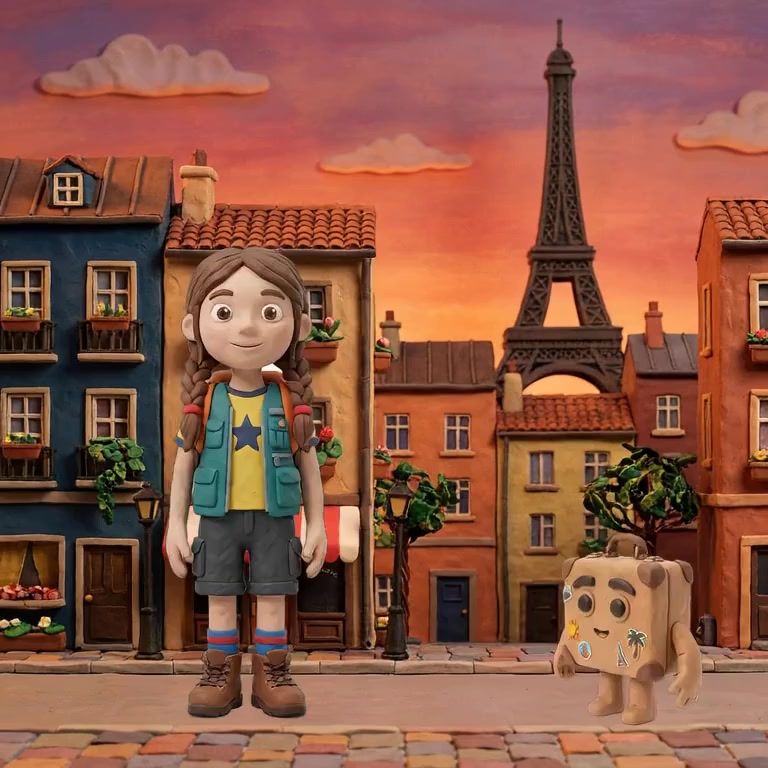
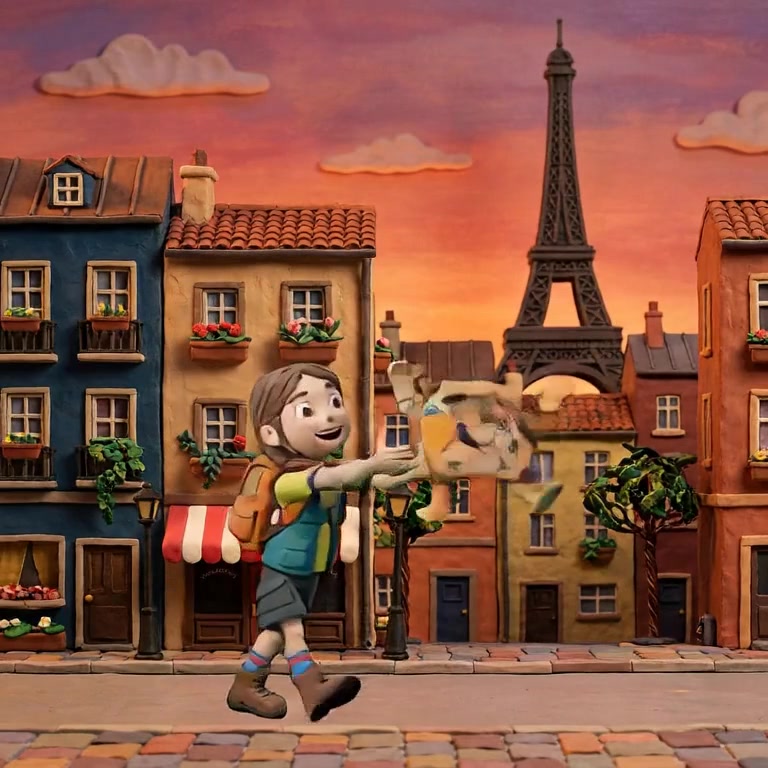

The consistency test above is the one that separates tools quickly. These three frames are one Nima shot: the outer two authored, the middle one generated, the character unchanged throughout.
If you are learning, comparing tools, or building something private for yourself or your family, free tiers across the field will carry you further than their marketing suggests, and there is no reason to pay before something actually blocks you.
If you are publishing, running a channel, or making anything commercial, budget for a paid plan from the start. Every free tier in this market is designed to end at exactly that boundary, and knowing it upfront is worth more than hunting for the tool where it does not.
The free plan is built for exactly the test above: three real films, full editor, no renders. Open Nima free and run the consistency test before you spend anything, here or anywhere else.
Very few, and the ones advertising it usually cap something else instead, such as resolution, length or commercial use. Assume free output is watermarked and check where the watermark is removed. Nima watermarks shared films; unwatermarked production is part of a paid plan.
The usual free-tier currency: one credit generally buys one generation. Read an allowance by dividing it by the attempts a shot actually takes, which is rarely one, so a hundred credits is often a single afternoon of real work.
Check the terms specifically, because several tools restrict free output to personal use, and that limit is easy to miss until the work is finished. For commercial work, budget for a paid tier from the start.
Three finished multi-scene films to open and edit, 30 images and 10 dialogue previews a month, and three project slots. It includes no full renders: it is for learning the tool on working films rather than producing your own. Rendering starts at $26 a month.
Nima's free plan opens three finished films in the real editor, which is enough to judge it properly. Try it free.