You turn text into an animated video by letting your words do four different jobs in sequence: describe the beats of what happens, define the characters and places once, request changes to the stills you get back, and write the dialogue the characters speak. Text to animation is real and it works today; the mistake is treating it as one giant prompt instead of a screenplay split into its jobs.
Watch text become motion end to end: three typed keyframes, a rendered flight between them. Every word on screen is doing job one, describing a moment:
Notice what the text never says: how to move. "Mira leaps from the ledge" and "Mira lands by the console" are states, and the motion between them is the model's job. Text that tries to choreograph, arcs, speeds, easing, fights the medium and loses. Text that pins states wins.
Beats. One plain sentence per moment that matters. Subject, action, place. The test: could a storyboard artist draw it without asking you a question?
Definitions. Characters and locations get described once, richly, and then never re-described, only referenced. The moment identity lives in a reusable reference instead of repeated prose, character drift stops being your problem.
Deltas. Once a still exists, text switches to edit mode: "same shot, ears flat, tail low". Name only what changes. Re-describing the whole scene re-rolls the parts that were already right.
Dialogue. Written to be heard, not read. Punctuation is direction; an ellipsis is a performance note. Read every line aloud before you commit it.
Nima is built around the four jobs rather than one prompt box. You type beats into a storyboard and each becomes a keyframe. Characters and locations are defined once and referenced after. The regenerate box takes a described delta while holding the scene's context. Dialogue is typed onto keyframes and performed in cast voices.
The approval gate between each job is the whole point: you see the storyboard before anything renders, and you see the stills before they move. The free plan opens three finished films so you can watch text become animation on a real project.
A thousand-word mega-prompt asks the model to be writer, casting director, cinematographer and editor in one pass, with no chance to approve any decision before the next builds on it. Splitting text into jobs is not bureaucracy; it is getting an approval gate between each decision and the next. You approve the cast before the storyboard, the storyboard before the render. Errors stay one job wide.
The trio below is the cheapest illustration: two authored stills, one generated in-between. The text produced the outer two; the model earned the middle one:
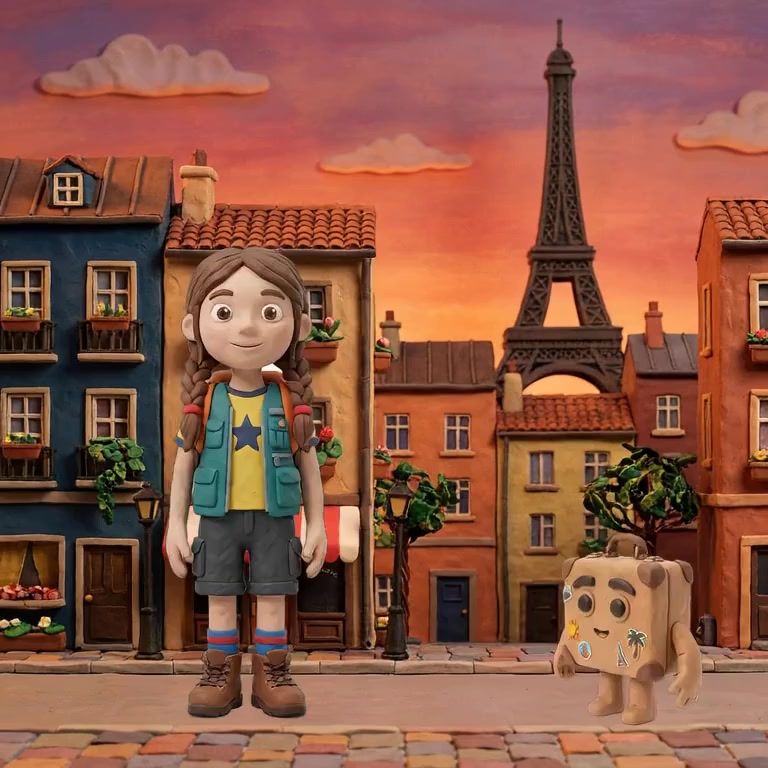
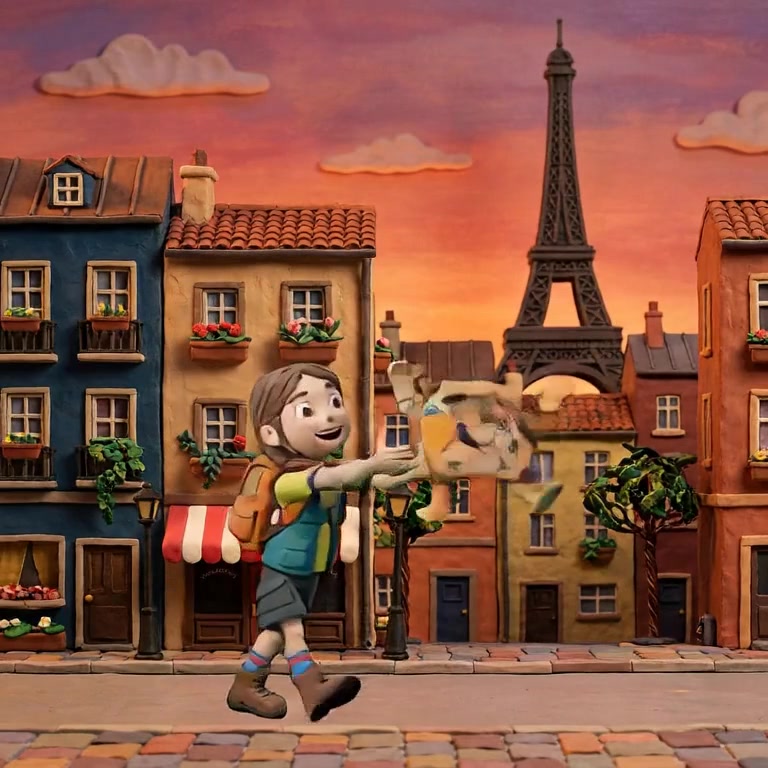
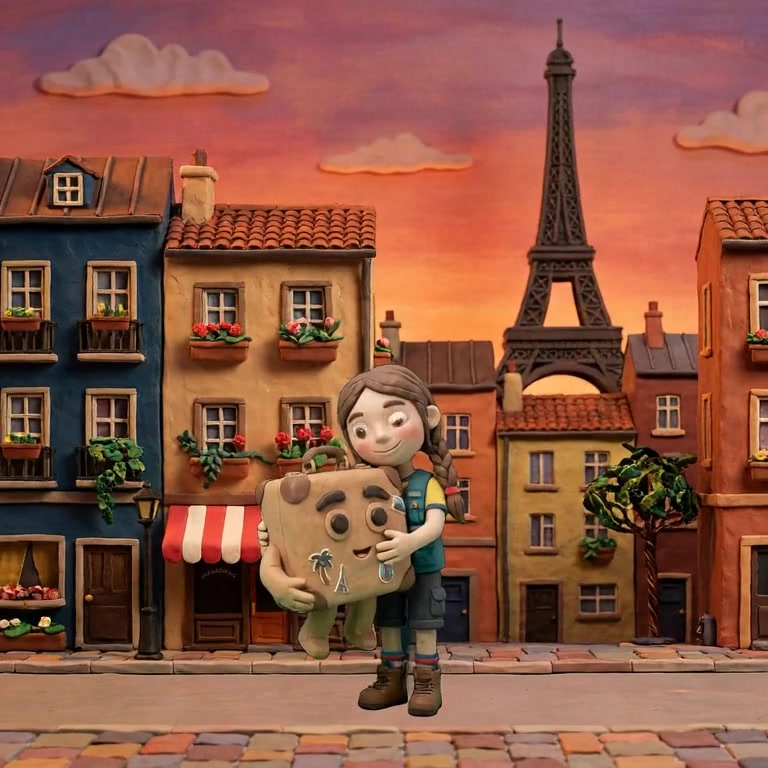
Free tiers exist across the field, usually capped by renders or length, and they are the right way to test whether a tool holds characters and lets you keyframe. Judge the workflow on the free tier before paying for volume.
Less than people write. A minute is roughly 8 to 15 beats, one sentence each, plus dialogue. If your input is running to pages, most of it is choreography the model will ignore or fight.
Pasting works as a starting point in tools that compile a story into scenes and beats, but the result still wants your approval pass at the storyboard stage. Straight paste-to-render with no still-image checkpoint produces the drift and mush this cluster of guides exists to prevent.
Nima turns your typed beats into storyboards, your deltas into edits and your dialogue into performances. Try it free.