A keyframe is a still image that pins down exactly what one moment of a shot looks like. In AI animation you set two of them, a start and an end, and the model generates the motion between. That one idea is the difference between directing a shot and gambling on one: the model can only decide how things move, because you have already decided where they end up.
Disney's studio ran on it in the 1930s. The senior animator drew the poses that mattered, the keys, and a room full of assistants drew every frame in between. The assistants' work even had its own name, inbetweening, and it was most of the labour in the building.
AI animation did not replace that system. It replaced the assistants. You still author the keys. The model does the inbetweening, and it does not get tired or bill by the hour.
This is a twenty-second build of one shot: three keyframes placed by hand, then the rendered flight between them. Everything you see the cursor do is authoring keys. Everything that moves on its own afterwards is the model filling the gap.
And this is the same anatomy in still form. First and last are authored keys. The middle frame never existed until render time:
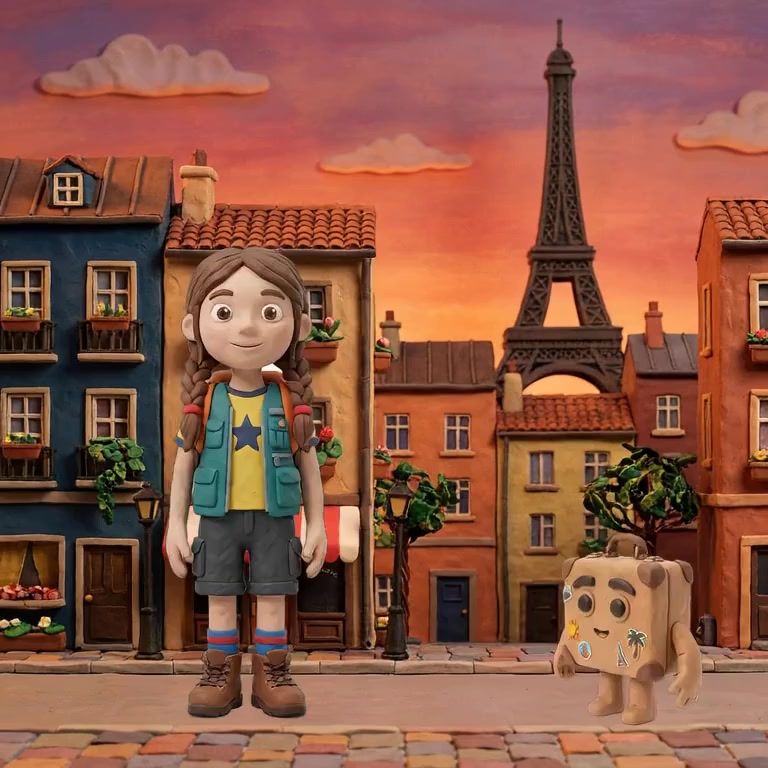
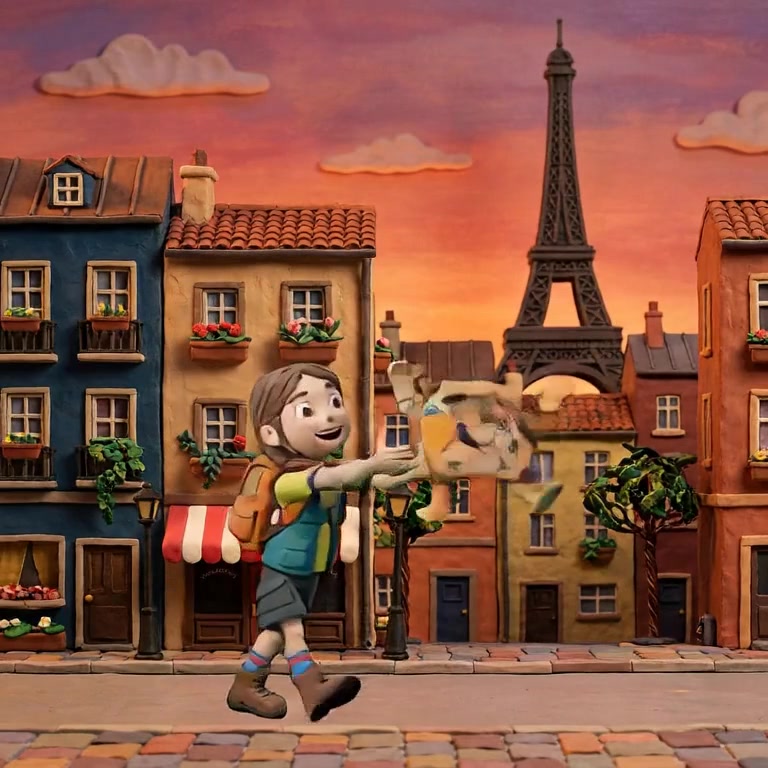
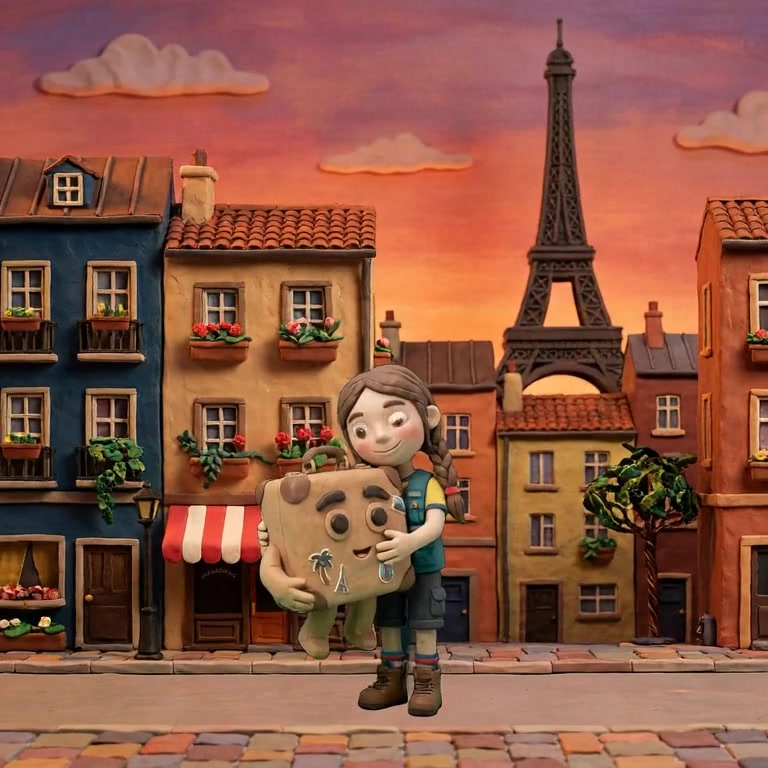
Write "she walks across the room and picks up the letter" into a video prompt and you will eventually get a version of it. Maybe the fourth try. The walk goes the wrong way, or the letter is a book, or she never reaches the table. Each retry costs a render, and renders are the expensive part.
A keyframe moves the argument to before the render. She stands at the door in one still; she holds the letter in the other. Both are images you can inspect and fix in seconds. Whatever the model invents in between, it must arrive at your second image, because the destination is not up for interpretation.
The economics follow. Stills are cheap and instant to judge. Video is slow and expensive to judge. Keyframes let you spend your taste where iteration is fast.
In a real editor a keyframe is not just a picture. This is one open on screen:
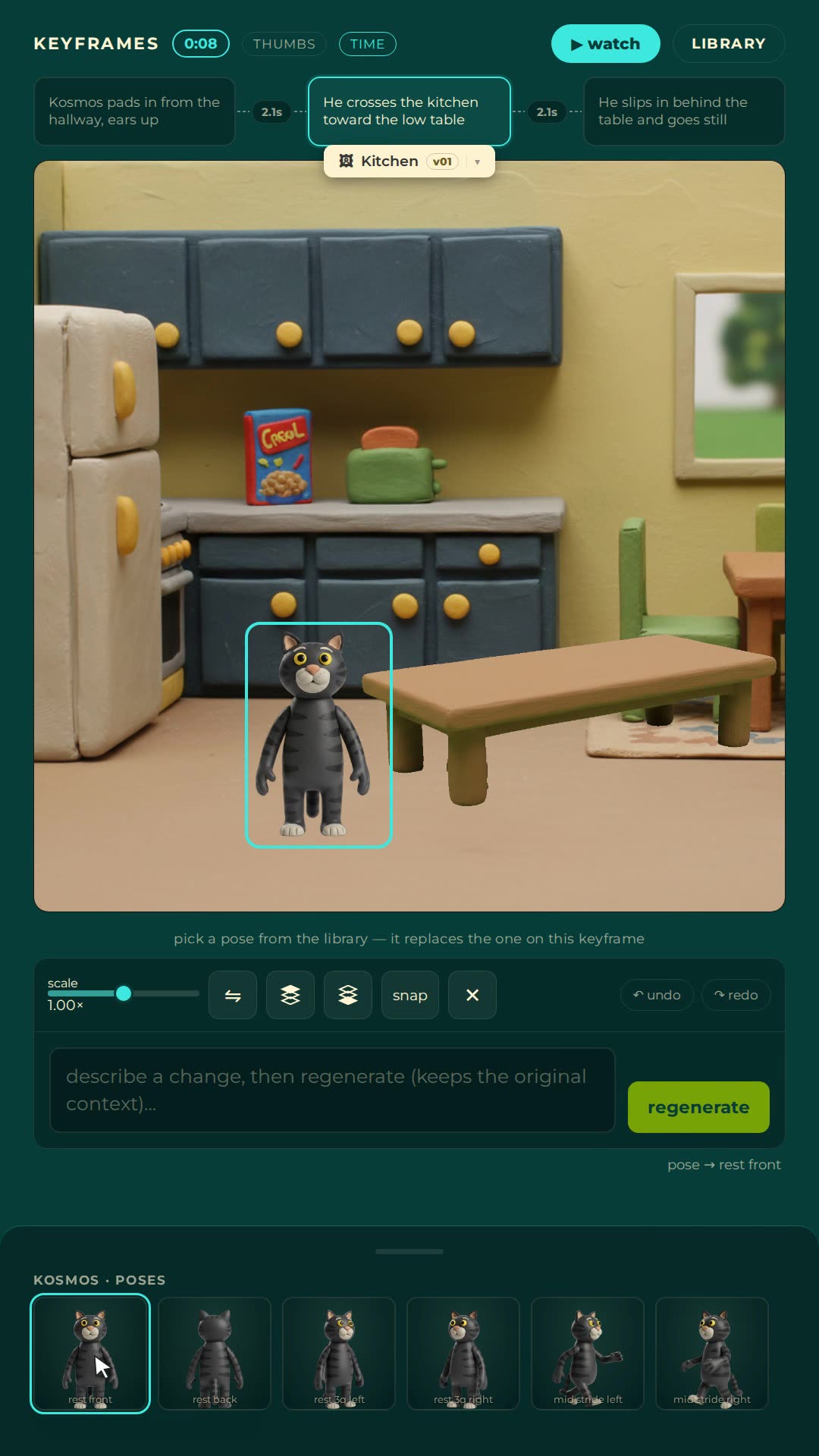
Read what is on it. A one-line description of the beat, "he crosses the kitchen toward the low table". The character selected on the canvas. A pose library underneath, so a stance is a click rather than a re-roll. The timing between this key and its neighbours, here 2.1 seconds a side. That timing gap is called a span, and span length is the speed control: same two keys, short span, fast move; long span, slow one. Most people never touch it, which is why most AI motion runs at one indistinguishable speed.
The easiest way to work with keyframes is an AI animation studio that treats them as first-class objects rather than an afterthought. Nima is built that way: the keyframe rail is the interface, not a panel hidden behind a prompt box.
Nima's free plan includes three finished films with their keyframes intact, so you can see how a working scene is keyed before building your own. Open Nima free.
Fewer than you think. One wherever the motion changes meaning, none anywhere else. A cat crossing a kitchen is two keys. A cat crossing a kitchen, freezing when the fridge hums, then bolting is four.
Over-keying is the beginner error that looks like diligence. Pin every half second and you have taken over the inbetweener's job again, badly: the model loses room to move naturally, and you now have a dozen stills whose details all have to agree with each other.
A keyframe is authored: a person decided it and can edit it. Normal frames are generated to connect the keys. At 24 frames per second, a ten second shot has 240 frames and maybe three of them are keyframes.
No. Many are prompt-only: you describe the shot and accept what renders. Keyframe control is the feature to check for if you care about where things end up, and it is the first thing to test in any tool you evaluate.
The gap between two neighbouring keyframes, measured in time. The span is where generated motion lives, and its length sets the speed of the move.
Count the beats, not the seconds. A 30 second shot where one thing happens might need two keys. Thirty seconds of chase with reversals might need ten. Key the changes of intent and let the model carry everything between them.
Nima is a keyframe-first animation studio: you place the stills, it renders the motion between them. Try it free.