You make an animated video with AI in four moves: write what happens as short beats, lock your characters and style as fixed references, set keyframes for each shot, and render the motion between them. That takes an afternoon. Whether the result looks amateur or professional is decided by four habits along the way, and none of them is a model setting: locked characters, one committed style, authored timing, and cuts placed on story beats.
Nobody watching says "insufficient model quality". They say it feels off, and if you make them point, they point at the joins: the lead whose face reset between scenes, the shot that glides at screensaver speed, the cut that lands mid-gesture for no reason. Professionalism in animation is mostly the absence of those tells, which is why it is trainable habit rather than budget.
A described character, "a girl with brown braids and a teal vest", is a lottery ticket the model redraws every shot. A referenced character is an image the model must obey. Here is one character held across a full shot, braids, vest, boots and all, including the frame the model invented in the middle:
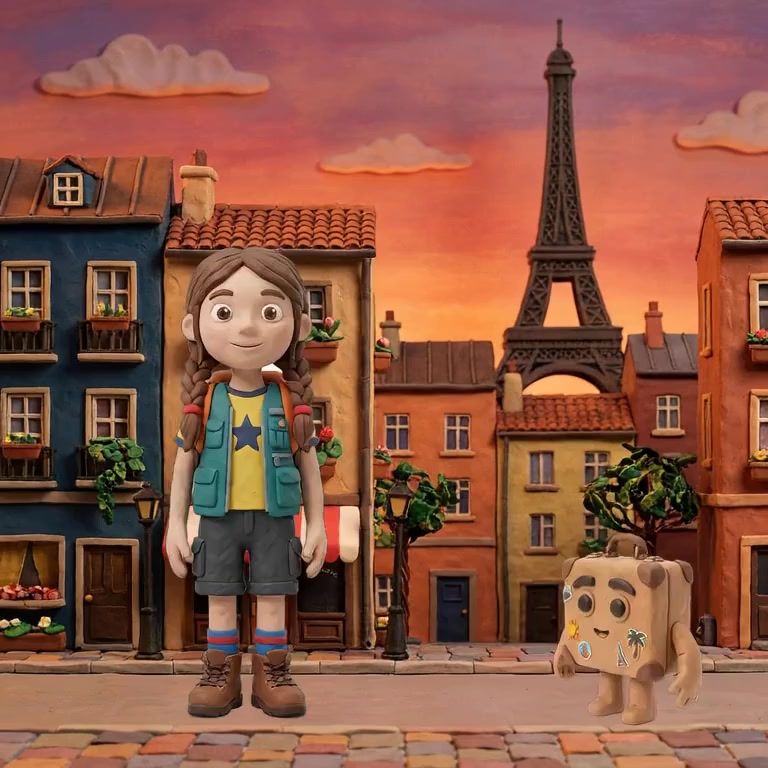
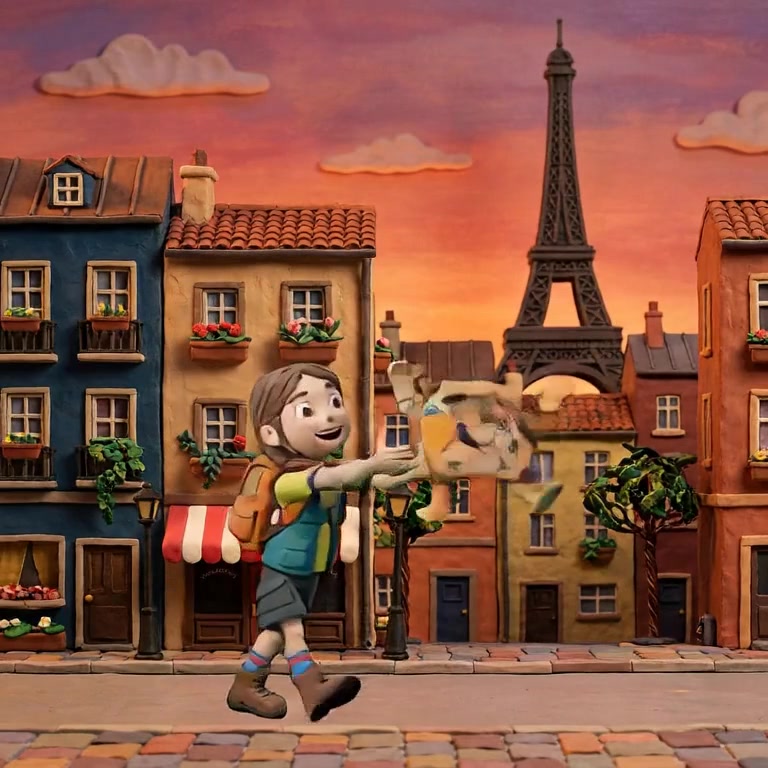
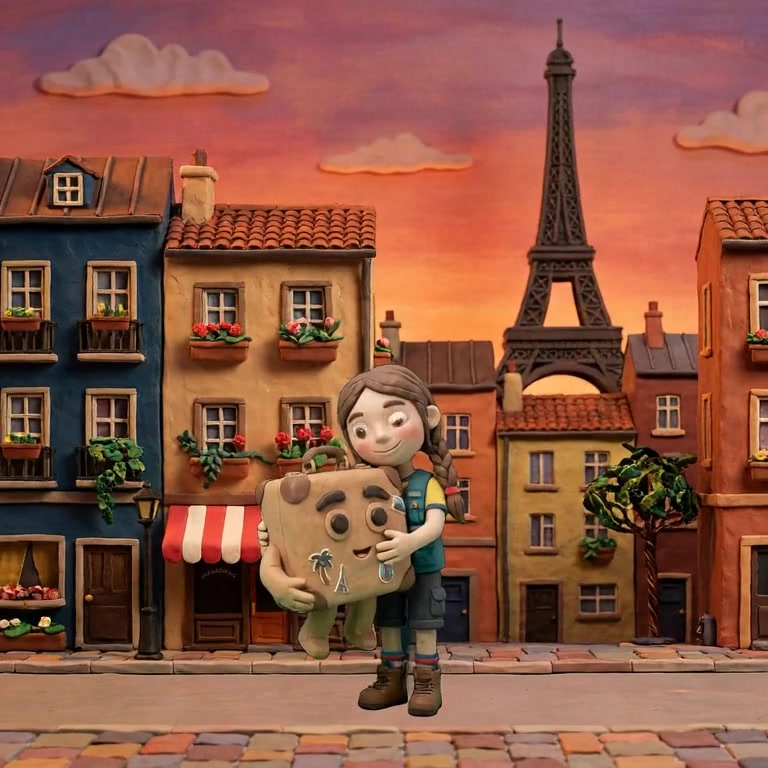
This is the single highest-leverage change available. Audiences forgive rough edges; they do not forgive the lead becoming someone else.
Style commitment reads as intent. The test frames below are one scene in five materials, and any of them could carry a film, but only if the whole film agrees:
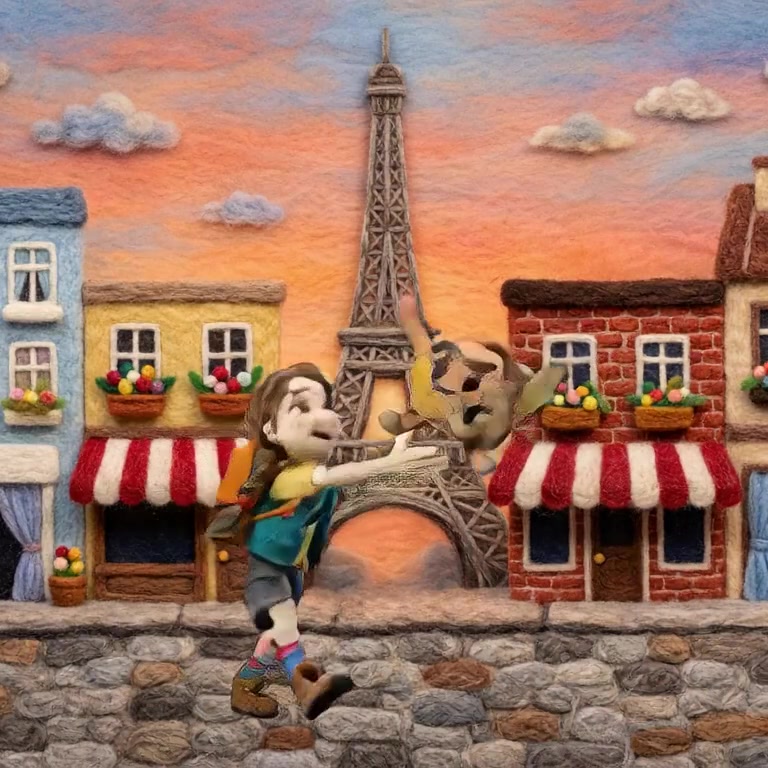
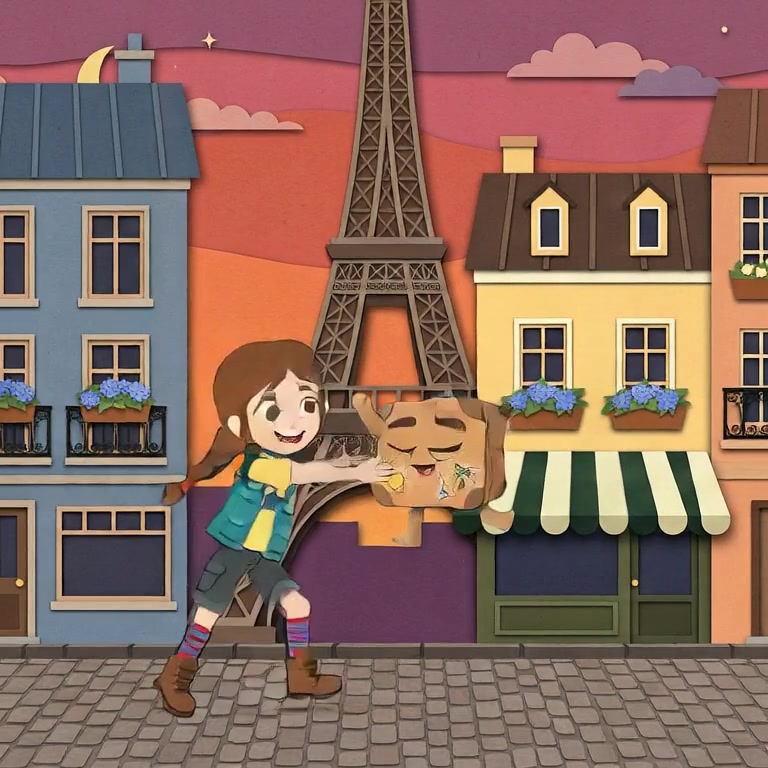
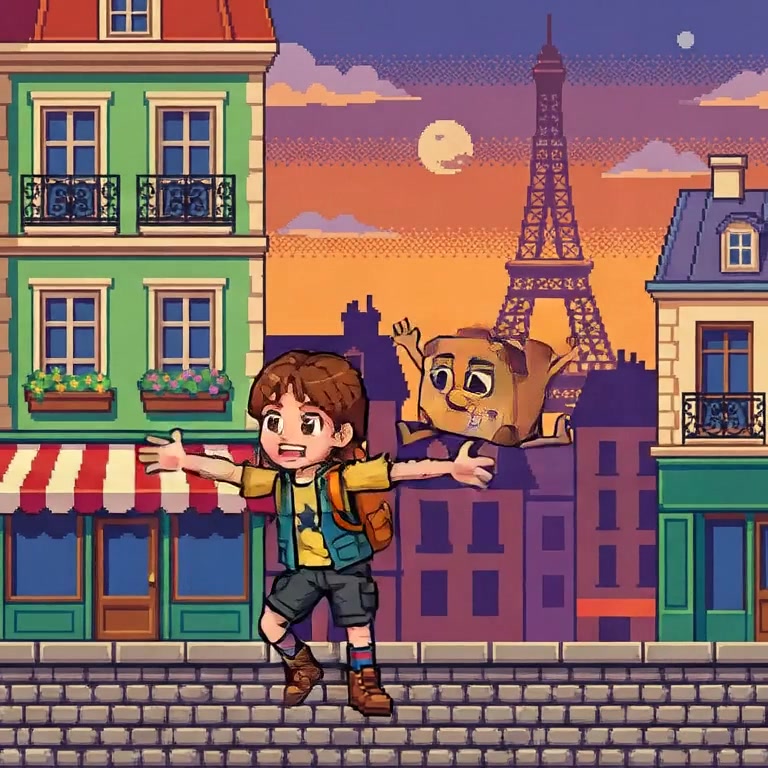
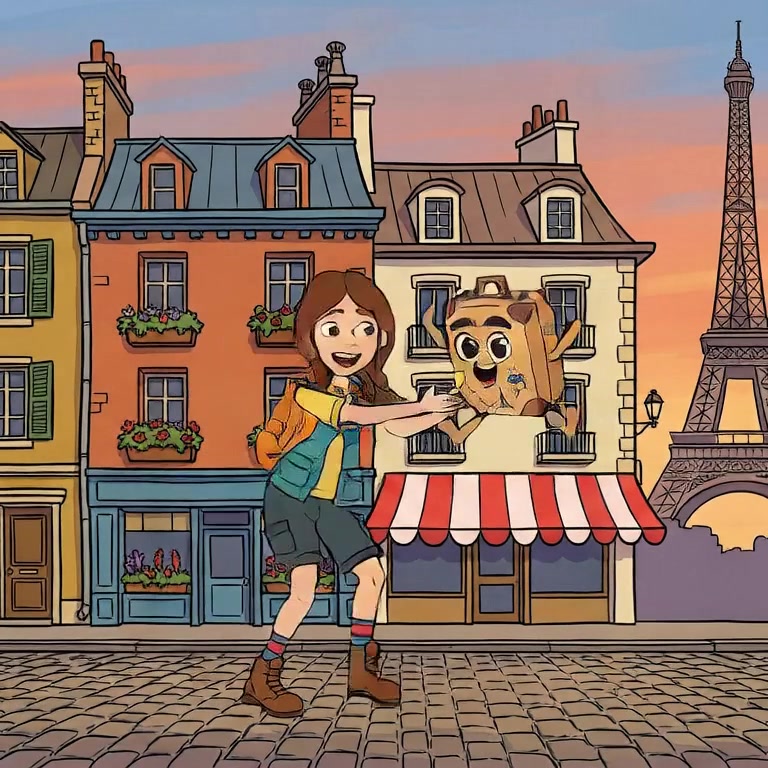
A related trap wears a professional disguise: chasing realism. Halfway to photoreal is the uncanny middle, and it is the least forgiving place in animation. A committed clay or felt look, executed cleanly, outranks a near-real look that misses.
Generated motion defaults to one even speed, and even speed is what screensavers do. Real animation is fast-slow-fast: a held beat, a quick cross, a settle. In a keyframe system that is simply span lengths, the seconds between keys. Watch a hand-built shot and notice the holds are decisions:
Every habit above is easier when the tool enforces it by default rather than leaving it to your discipline. That is the argument for using an AI animation studio like Nima instead of assembling a pipeline yourself: characters are locked references at the project level, style is declared once, timing lives in the spans between keyframes, and films are built in scenes and shots so cuts land where you put them.
A generation ending is not a reason to cut; it is a reason to splice. Cuts belong on beats: a look answered, a door opened, a line landed. This requires building in scenes and shots rather than stitching whatever clips the model handed you, and it is the habit that quietly signals "made on purpose" loudest.
Resolution is the last thing audiences read. Identity drift, floaty uniform motion and arbitrary cuts are the first three, and none of them improve with more pixels. Fix consistency and timing before touching quality settings.
Only if you can land it completely, which today usually means no. Stylised looks fail gracefully; near-realism fails uncanny. Professional work commits to a style it can hold.
Lock every character to a fixed visual reference before generating anything else. It is one setup step and it removes the most noticed flaw in AI film.
Nima locks characters and style at the project level, so the four habits are defaults rather than discipline. Try it free.