You change the art style of an AI-made video by re-declaring the project's style and regenerating its keyframes in the new material; motion and staging carry over, because they live in the keyframes' positions rather than their pixels. Done right, the same scene, characters and choreography can go from claymation to pixel art while remaining recognisably the same film.
This loop is the whole idea in under two seconds: one shot, claymation on the left of the cut and pixel art on the right, action matched across the seam:
Video filters restyle pixels frame by frame, and they flicker, smear and melt detail, because each frame gets its own opinion of the new style. Restyling at the keyframe layer is different in kind: the stills are regenerated in the new material with composition and identity held, and the inbetweens are re-rendered from those stills. The style is baked exactly once per keyframe, so it holds.
The corollary is honest cost accounting: a true restyle is a re-generate and re-render, not a slider. Cheap compared to remaking the film; not free.
One test scene, one cast, five declared styles. Notice what changes, surface, palette, light, and what refuses to, the girl, her suitcase-shaped friend, the staging:
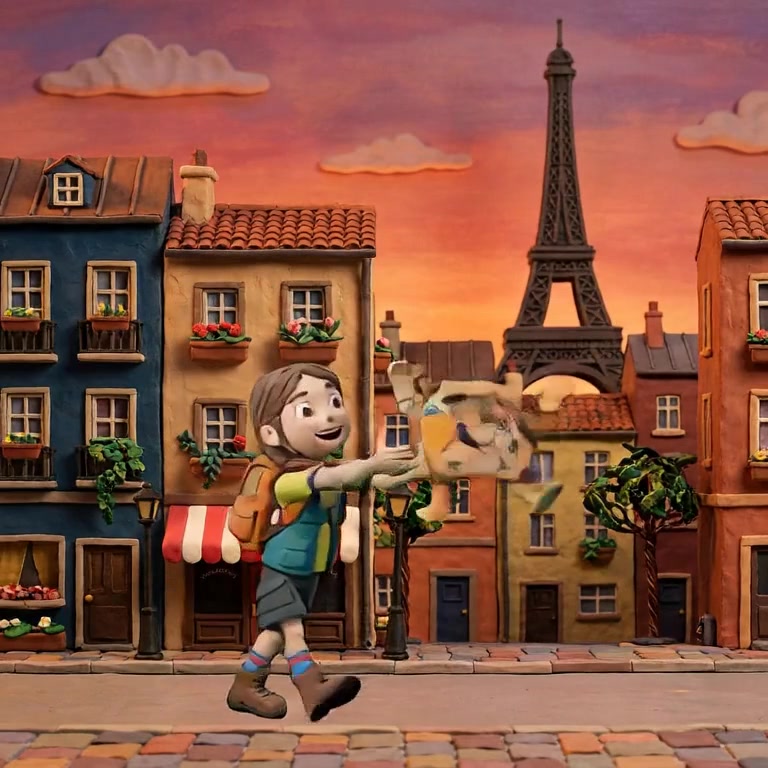
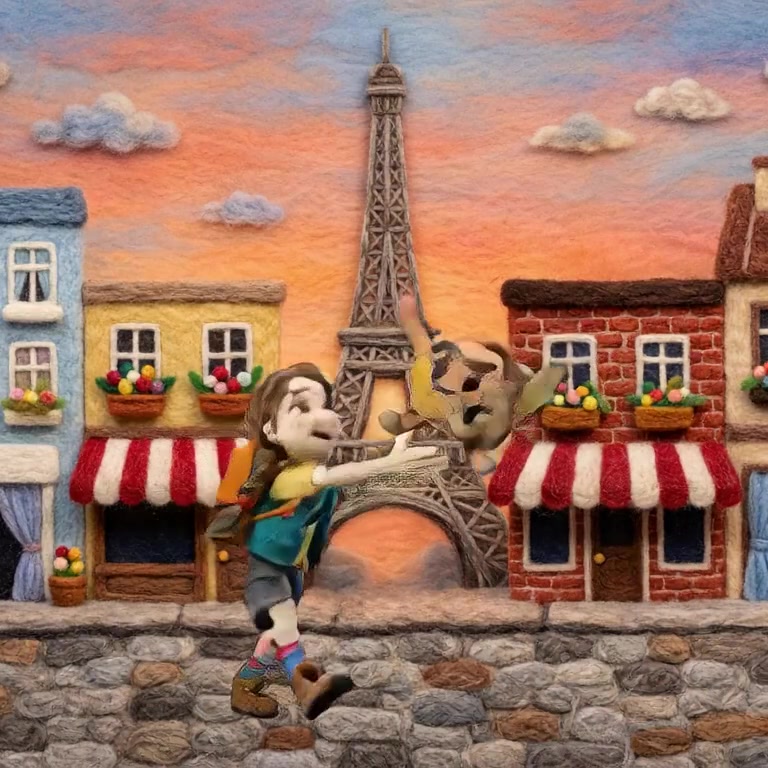
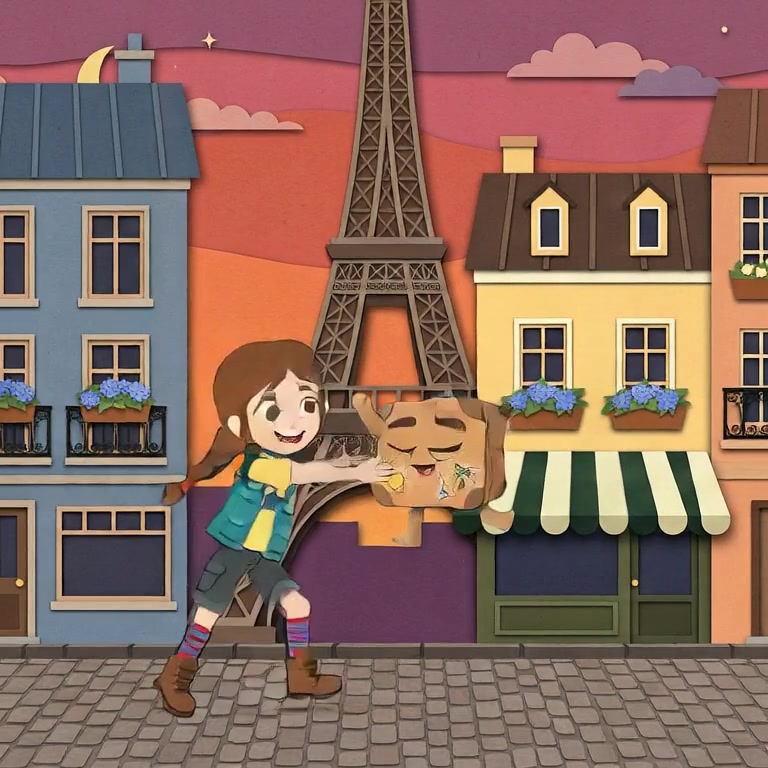
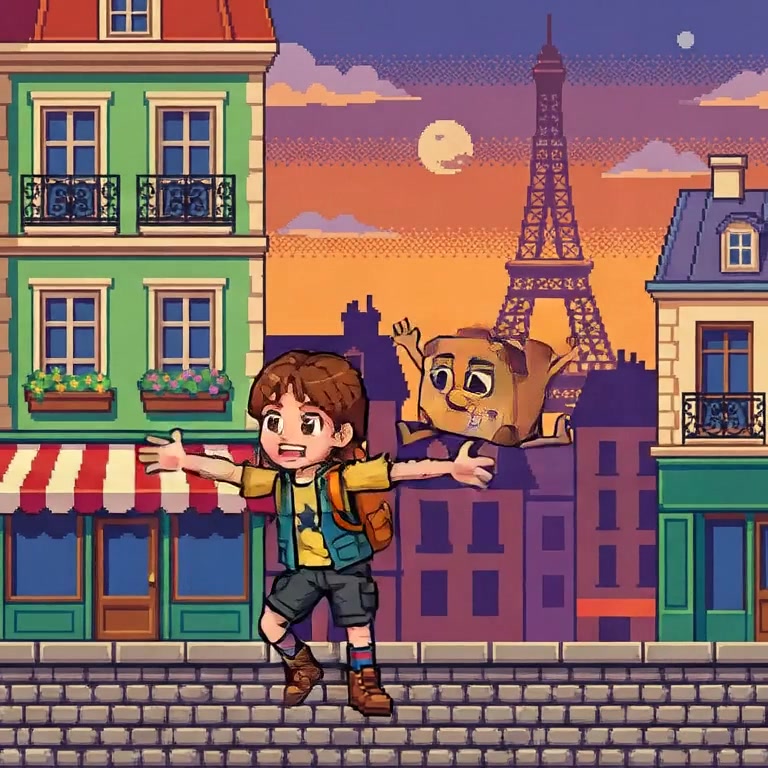
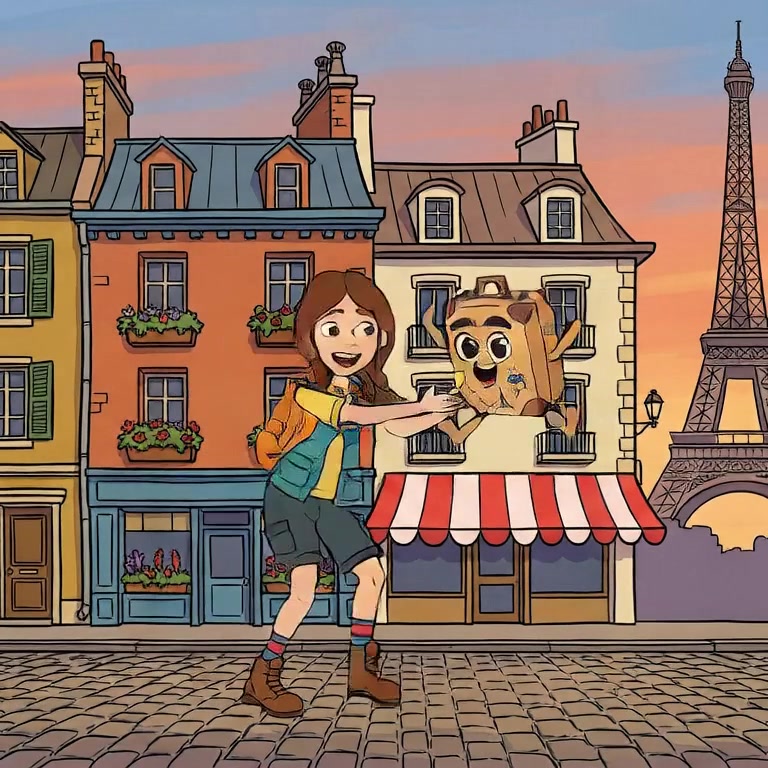
Style in Nima is a project-level property, not a phrase you repeat in prompts, which is what makes a coherent restyle possible at all. Nine styles ship today: claymation, felted wool, clay painting, cel-shaded anime, Ghibli-style watercolour, ukiyo-e, comic-book ink, pixel art and preschool CG.
Because characters are locked references separate from the rendering style, your cast survives the flip. That is the seam-matched clay-to-pixel loop at the top of this page: same girl, same staging, different material. Try it free on one of the three sample films before restyling anything of your own.
Pick the film's style before production and hold it; wholesale mid-project flips cost every keyframe regenerated. The strong uses of a style change are deliberate and local: a flashback in faded watercolour, a dream in pixels, a cold open in a genre the film then abandons. There the switch is not a correction, it is a line of film language, and audiences read it instantly.
Of footage, only via filter-style approaches with their flicker and artifacts. Of a generated film whose keyframes you still have, yes, properly: regenerate the stills in the new style and re-render the motion.
It tests it. With reference-conditioned characters, identity survives the material change, same face logic in clay or pixels. Without references, a restyle is a full recast whether you wanted one or not.
The usual families are handcraft looks such as felted wool and papercraft, print looks such as comic ink and ukiyo-e, retro looks such as pixel art and 90s cartoon, and painterly looks such as watercolour. Any of them can carry a film if applied consistently.
Nima declares style at the project level, nine materials and counting, and your cast survives the flip. Try it free.