You can make a claymation video with AI in an afternoon, without clay, an armature or a camera. You write the beats of the scene, generate keyframes in a claymation style, adjust them like stills, and let a video model animate the movement between them. What used to be the most patient art form in film is now mostly a writing and picking exercise.
Stop-motion's cost is legendary. A professional studio measures a good day in seconds of finished footage, because every frame is a physical scene that someone nudged by a millimetre and photographed. That is roughly 1,440 small adjustments per minute of film, and it is why so few claymation features exist.
But look at what the style is made of: fingerprints in the surface, slightly uneven paint, fabric with visible weave, soft studio light, sets that are proudly hand-built. Those are textures and lighting habits, and diffusion models reproduce textures and lighting habits extremely well. The craft was expensive; the look, it turns out, is describable.
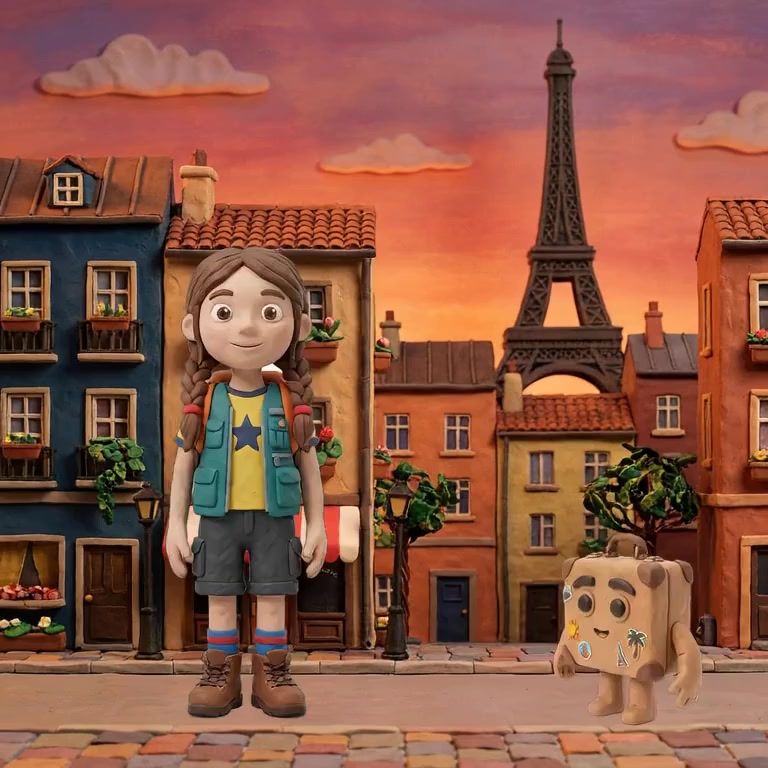
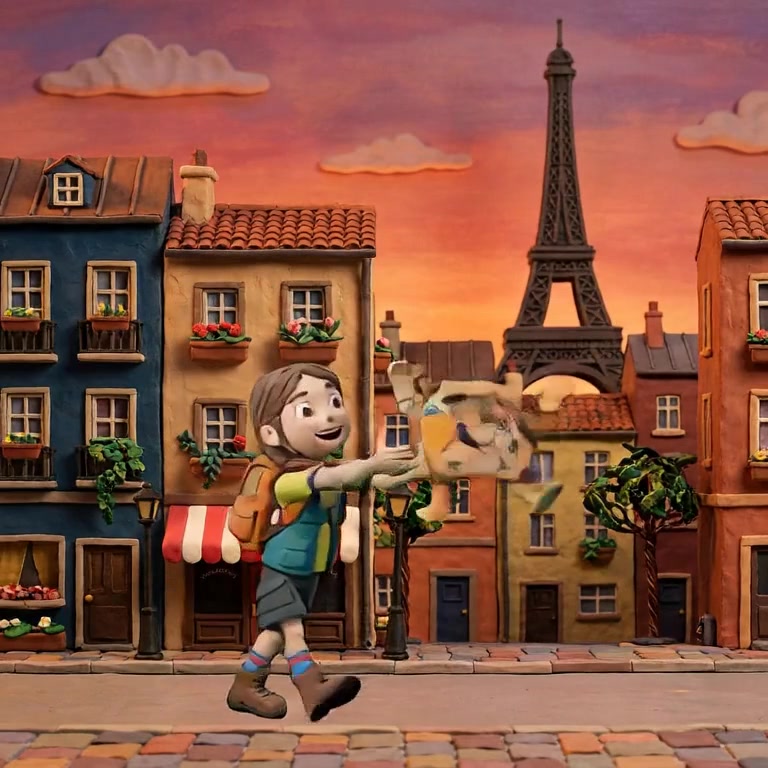
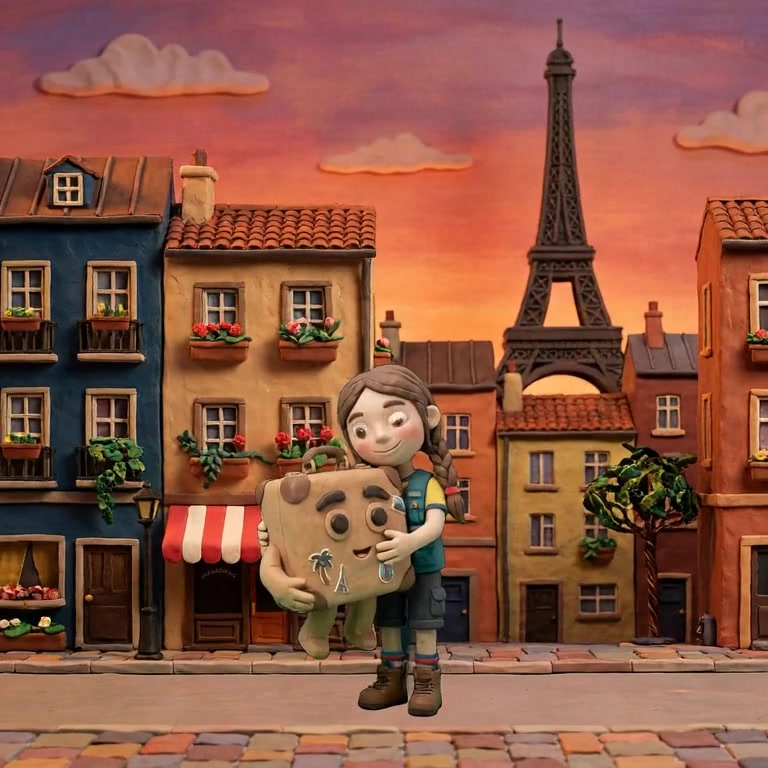
These are frames from a claymation short. The outer two are keyframes that were authored and approved as stills. The middle is generated motion. The character keeps her braids, her vest, her boots, and, importantly for clay, her thumb-printed surface texture:
And this is the working experience, not a mockup: a clay cat, a clay kitchen, and a prop being generated and folded into an interaction, all inside the editor:
Pick your tool. You need one that applies a claymation style at the project level rather than per prompt, or the look drifts between shots. Nima ships claymation as one of nine project styles, which is the approach this guide assumes.
Write the beats. One line per moment that matters. "Kosmos pads in from the hallway, ears up. He crosses the kitchen toward the low table." Plain declarative sentences beat atmospheric prose here; you are feeding a storyboard, not a novelist.
Set the style once, at the project level. This is the step people skip and regret. A style re-described in every prompt drifts, and clay drifts visibly, because surface texture is the whole point of the look.
Generate and fix the keyframes. Drag characters into position, resize, swap poses from a library, regenerate a still you dislike. Every correction here is seconds. The same correction after rendering is a re-render.
Render and watch. The model inbetweens each pair of keys. Because clay implies stop-motion, a slightly staccato result reads as authentic rather than broken, which makes clay unusually forgiving as a first style.
The identical scene renders in whatever material the project declares. Same characters, same keys, same motion:
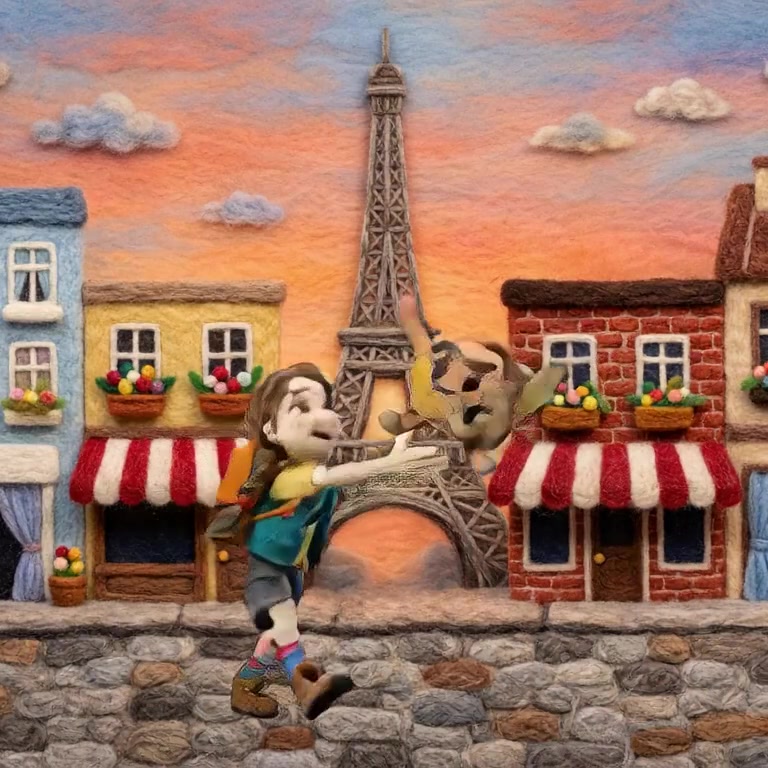
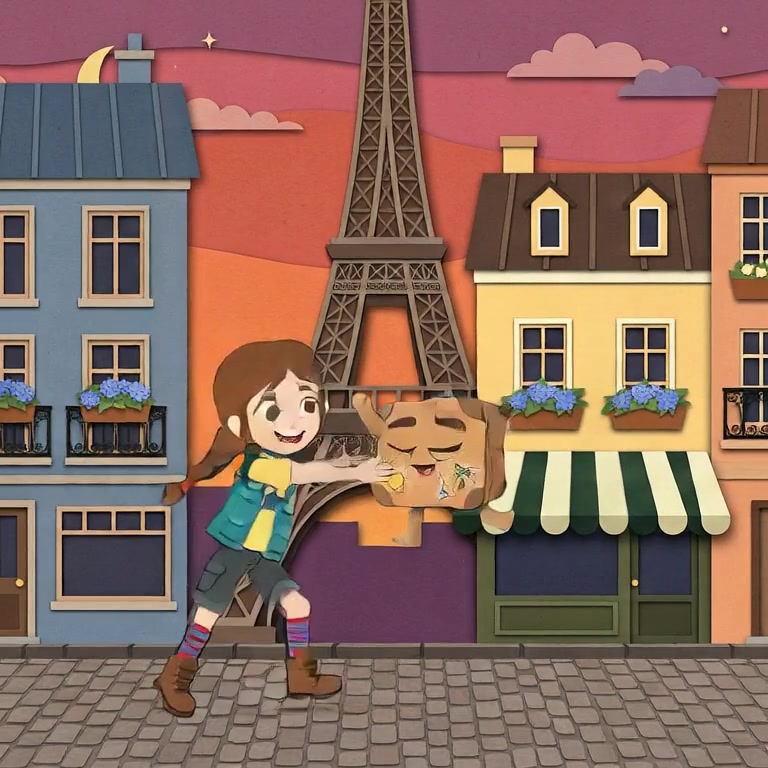
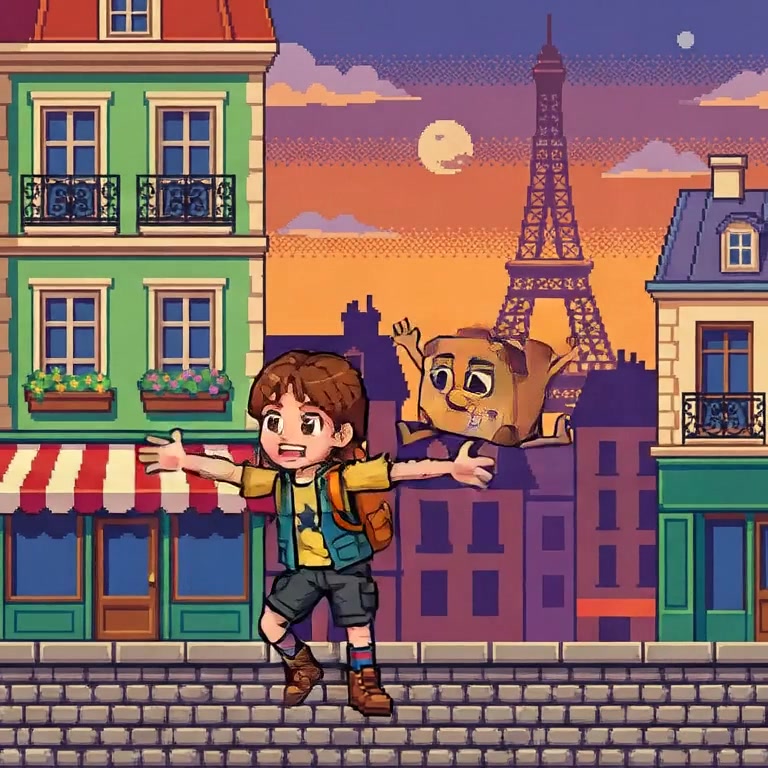
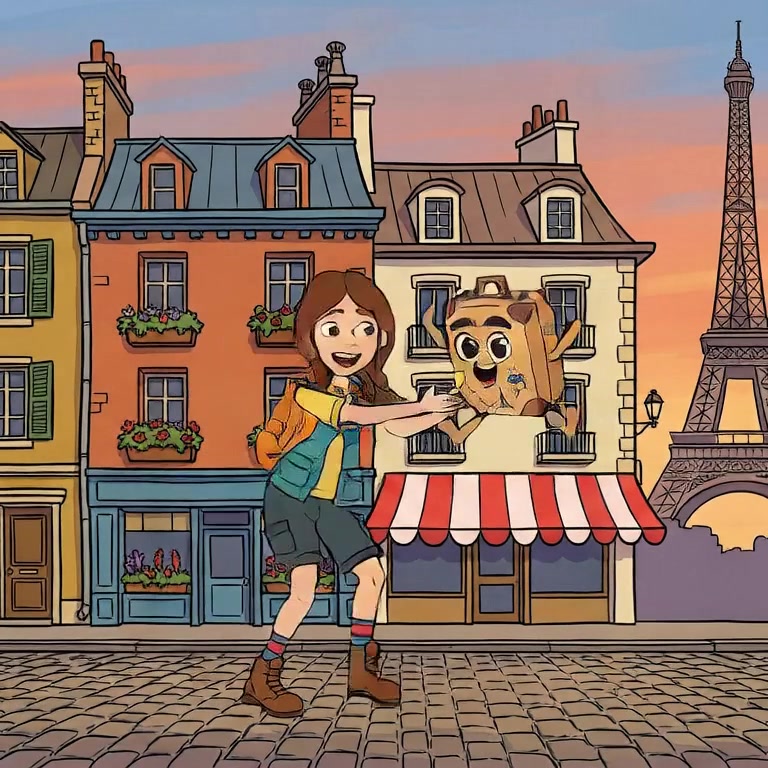
Character drift. Shot one produces a perfect clay girl; shot four quietly hands you her cousin. Nothing looks wrong in isolation, and the film still falls apart, because an audience tracks identity above everything else. The cause and the fix are covered in why AI characters change between shots; the short version is that every shot must be generated against the same fixed character reference, not against a prompt's description of them.
None. The stop-motion knowledge lives in the style itself. What transfers from real claymation is taste: knowing that clay scenes read best with simple staging and few, deliberate movements.
Real stop-motion runs on ones and twos, often 12 distinct poses per second, and the tiny jitter between them is part of the charm. If a generated clip glides too perfectly, shorter spans and more deliberate keyframe poses push it back toward the handmade feel.
Technically yes, and almost always a mistake within a single story. The exception is a deliberate switch as an effect, a dream sequence or a flashback, where the change itself is the message.
Nima ships claymation as a one-click project style, alongside felted wool, papercraft and six others. Try it free.