An AI 2D animation generator makes animated video in a drawn or handmade look, such as cartoon, anime, claymation or pixel art, rather than footage that imitates a camera. The distinction matters because most AI video models lean toward realism, and a stylised character pushed through one tends to gain shading it never had, lose its linework, or melt between frames. A 2D-native tool fixes the style once for the whole project and builds every shot from it.
Ask a general purpose video generator for a flat cartoon and watch the first second against the last. The outline softens. Gradients appear on surfaces that were one colour. A face that was four confident lines picks up a nose bridge and a jaw. The model is not broken. It has seen far more filmed footage than drawn animation, and under motion it drifts toward what it knows.
The second failure is per clip style. When the look lives in the prompt, every generation interprets the words again. Anime style in clip one and anime style in clip two are two different opinions, and cutting between them reads as two different shows.
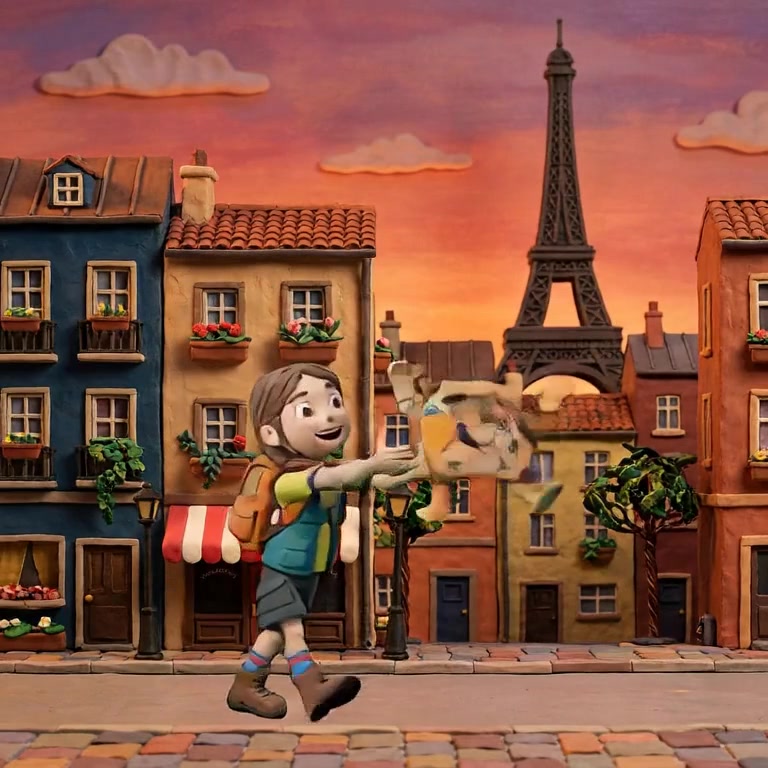
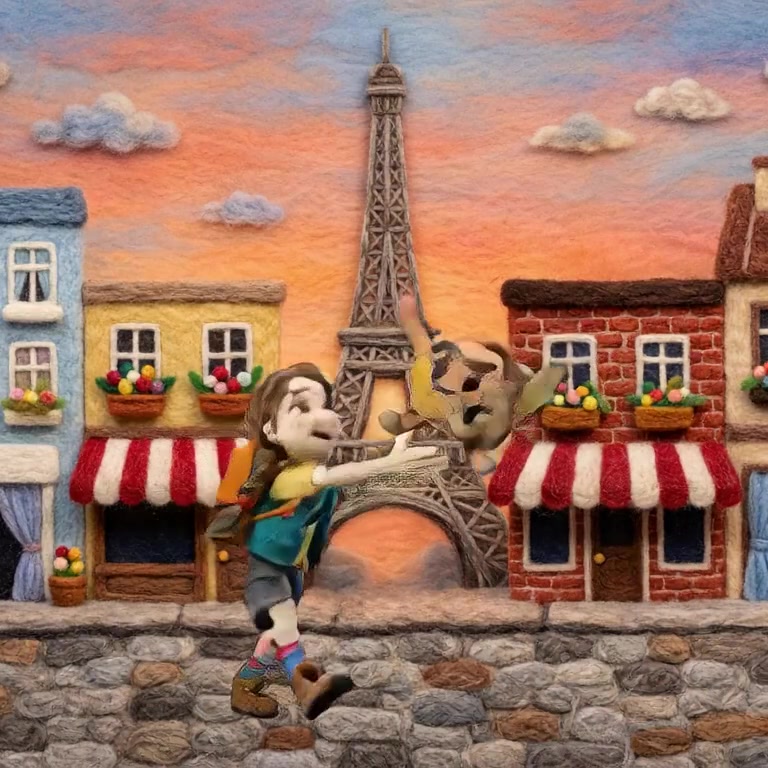
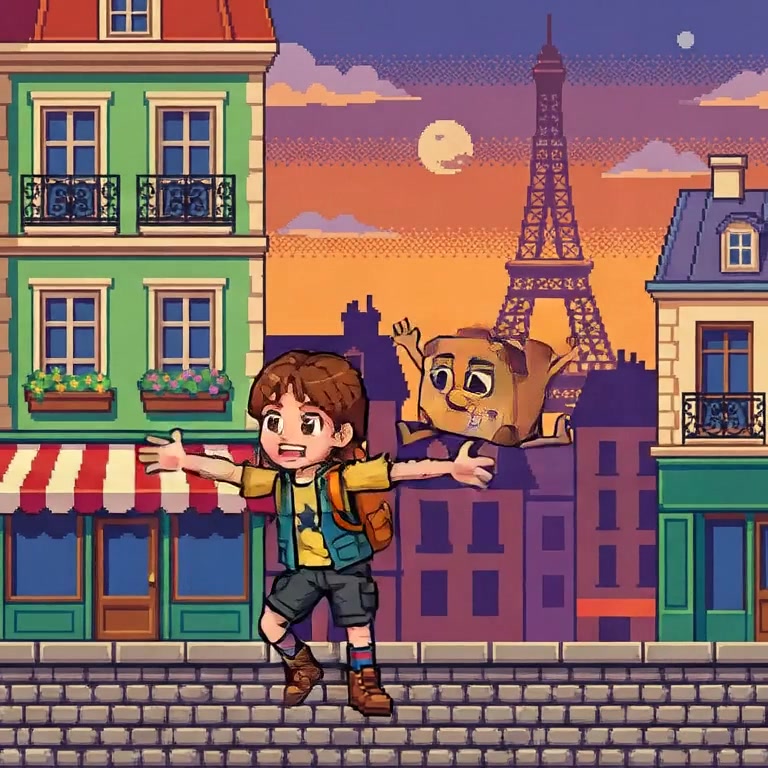
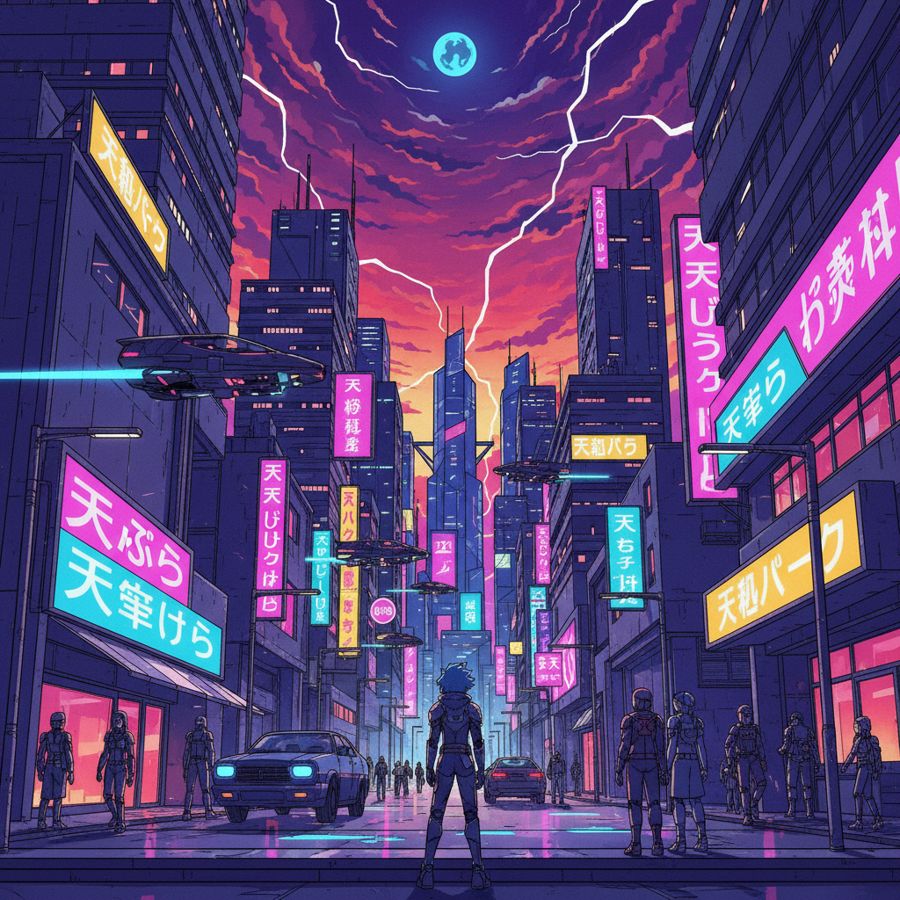
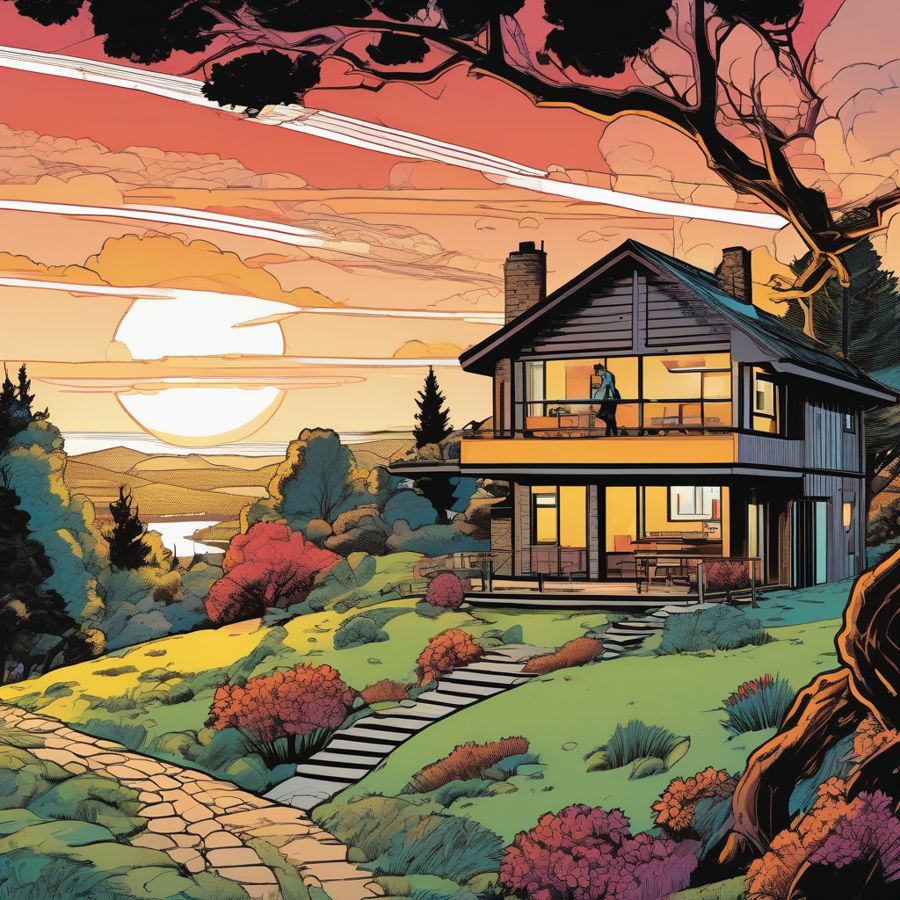
Those five frames are five project styles in Nima, each one holding its own rules: clay has fingerprints and soft light, pixel art has a grid, the anime look has flat shadow shapes and a clean line, comic book ink has heavy blacks.
Style is a project setting, not a prompt. You pick the look once and every character, background and shot is made inside it. If you have to retype the style in each generation, it will wander.
Characters are references, not descriptions. A drawn character is a design: specific proportions, a specific line. Words cannot hold that. One approved image per character can. See how to get consistent characters in AI video.
Motion is keyframed. Drawn animation has always been made from key poses with the frames between filled in. A tool that works the same way gives the model a start and an end in the correct style, which leaves it far less room to slide toward realism in the middle.
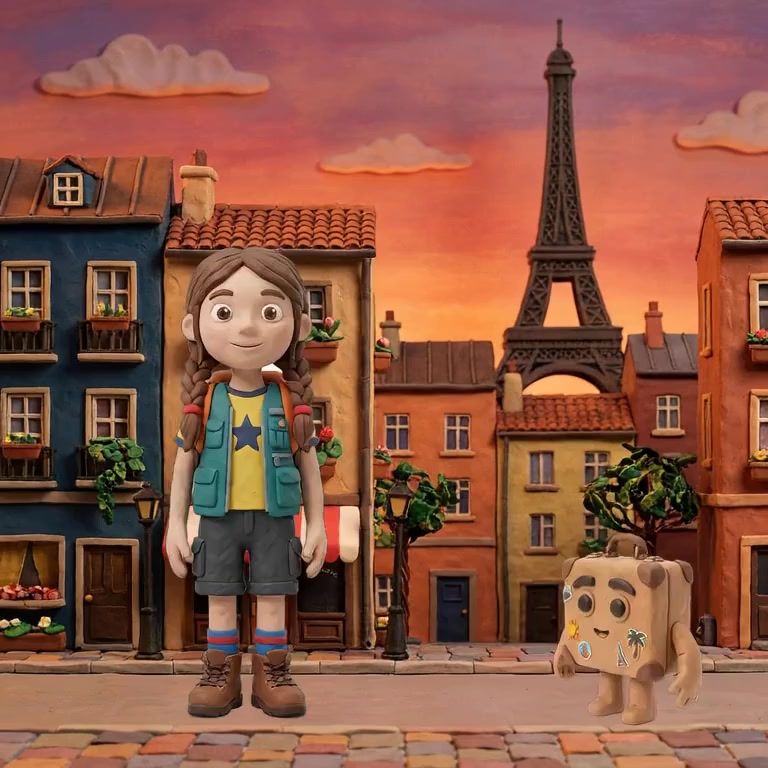
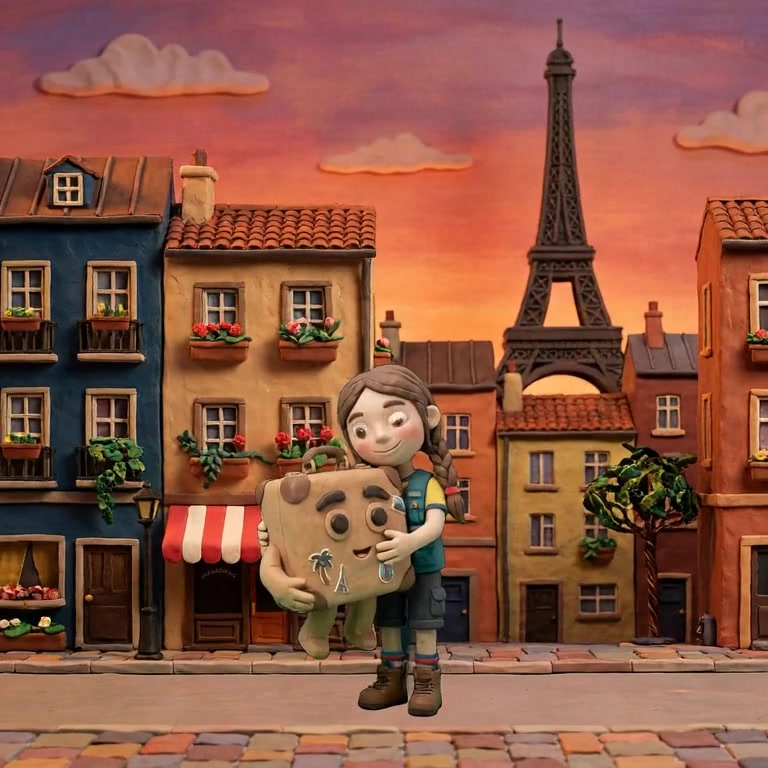
Mouths are handled as 2D mouths. Cartoon dialogue is a small set of mouth shapes swapped in time with the voice, not a photoreal face resynthesis. There is more in how to do lip sync animation with AI.
People search for an AI anime video generator, an AI cartoon maker and an AI claymation tool as if they were different products. Underneath they are one requirement: hold a non-photographic look steady across every frame of every shot.
Anime stresses line and flat shadow shapes, and it breaks first at the face, where a few strokes carry the whole character. Cartoon styles break at the fills, when gradients creep in. Claymation and felt are handmade 3D looks that still belong here, because what sells them is the material, the fingerprints and fibres, and that is the first thing a realism-leaning model sands away.
Nima's project styles include a cel shaded anime look, comic book ink, pixel art, watercolour, ukiyo-e, claymation, clay painting and felted wool. The guide to changing the art style of an AI video shows the same scene moved between them.
Opening, editing and previewing the sample films is free. Rendering a finished film from the editor is part of the paid plans. What AI animation costs has the detail.
Yes. The reliable method is keyframed: the still images are made in the 2D style first, and the model generates the frames between them. Prompting a general video model for a cartoon look works for a single short clip and tends to drift toward realism under motion.
The one that keeps the line and the face steady for the length of your story, which is a harder test than a good looking five second clip. Check that style is set once per project and that characters are fixed references. Then cut two of its clips together and see whether they look like the same show.
Video models have seen far more filmed footage than drawn animation, so under motion they drift toward it. Giving the model a start and an end keyframe already drawn in the style, with a short gap between them, leaves it much less room to drift.
A style named in a prompt is a suggestion that gets reinterpreted on every generation. A style set at the project level is applied to the inputs themselves, the character references and backgrounds, so the video model starts from images that are already in the look.
No. Motion graphics moves shapes, text and logos. 2D character animation is performance: characters who walk, react and speak in a drawn world. The tools and the problems are different.
Nima is 2D-native: the style is set once per project and every character, background and shot is built inside it. Try it free.