An AI storyboard is a sequence of generated still images, one per beat of a story, that plans a video before any motion is rendered. An AI storyboard generator draws those panels for you from a description. Most of them stop there: the panels are a picture of a plan, and the video gets made somewhere else. The more useful kind keeps going, so the same stills that plan the shot are the keyframes the video is rendered from.
A storyboard is a film on paper. Each panel is one moment: who is in the frame, where they stand, what the camera sees. Read left to right, the panels tell you whether the story works before anyone spends money on finding out. Animation studios have worked this way for about a century, because drawing a panel is cheap and animating a shot is not.
That trade has not changed with AI. A generated still costs a fraction of a generated shot, arrives in seconds, and is easy to judge. If the panel is wrong, the shot built on it will be wrong too, and you will have paid more to learn it.
There are two different products under this name, and the difference decides whether the board is any use to you.
| Panel generator | Storyboard that renders | |
|---|---|---|
| What you get | A sheet of images | A sequence of keyframes with timing |
| Same character in every panel | Only if you fight for it | Yes, every panel is built from one fixed reference |
| Can you move a character in a panel | No, you regenerate the panel | Yes, drag it |
| What happens next | You rebuild every shot in a video tool | You press render |
A panel generator is good for a pitch deck. You describe a scene, it returns six frames, you paste them into a document. The weakness shows when you try to make the video: the panels were generated independently, so the lead has a different face in each, and nothing in them can be handed to a video model as an instruction. You start again.
A storyboard that renders treats each panel as a keyframe, a still the video must pass through. The board is no longer a drawing of the plan. It is the plan, in the form the renderer reads.
The common complaint about AI video is that every generation is a separate event. One widely quoted version: there is no way to plan a coherent narrative across scenes, so every clip is a fresh roll of the dice. People ask why the cartoon character looks different in every scene, or why the AI video keeps changing the character's face. The honest answer is that nothing told it not to.
A storyboard is the thing that tells it. It fixes three decisions before any motion exists:
Who is in the story. One reference per character, made once, used by every panel. This is what stops the drift. There is more on it in how to get consistent characters in AI video.
Where each shot starts and ends. The panel is the start or end of a move, so the model only decides how things travel, never where they finish.
Where the cuts are. Two panels in different places are two shots. Said on the board, that is a cut. Left unsaid, the model will try to morph one into the other.
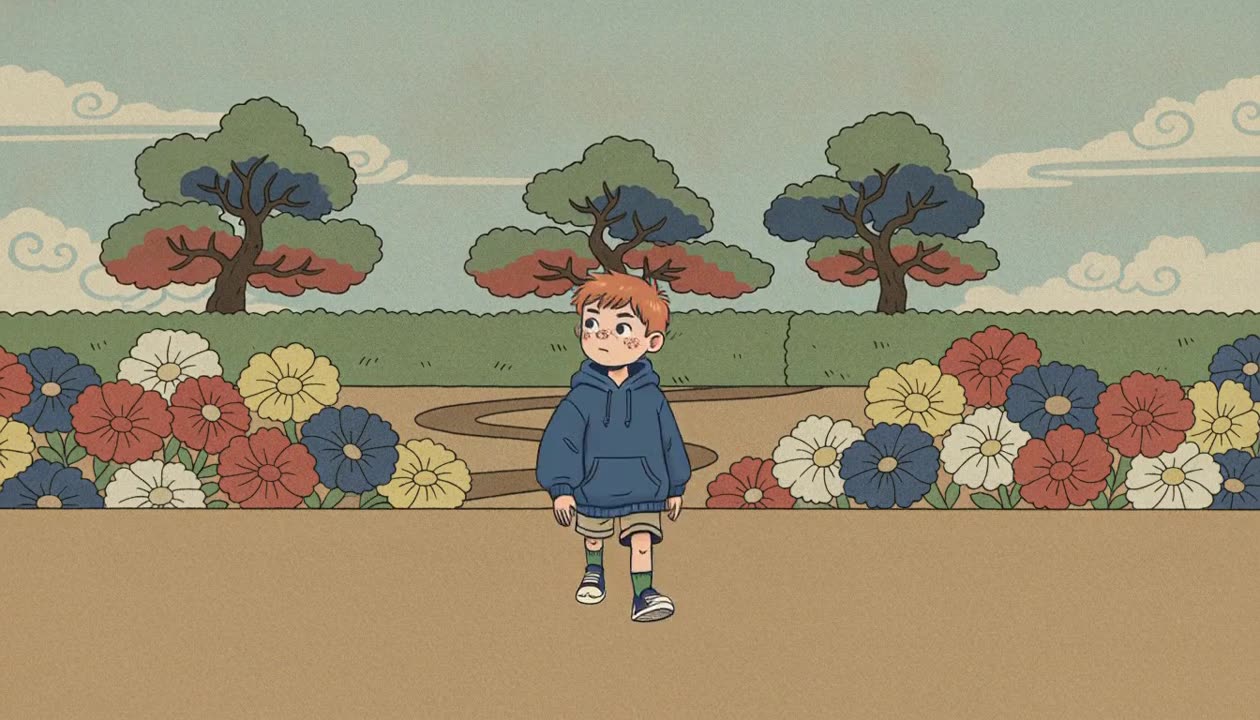
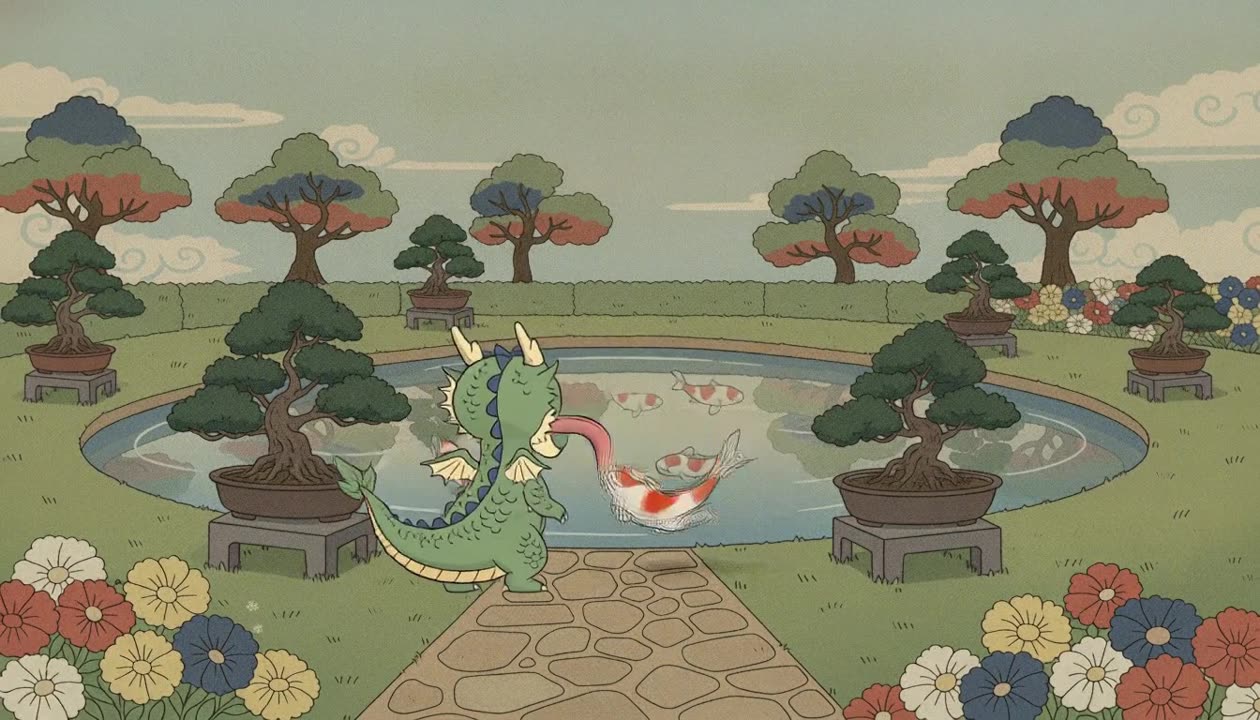
Those three panels are the three shots of a twenty second scene. Nine keyframes were authored across them and the scene rendered as 474 frames on the first attempt, because nothing was left for the model to guess. The full breakdown is in how to add keyframes and cuts to an AI video.
The method is the same in any tool that lets you author stills.
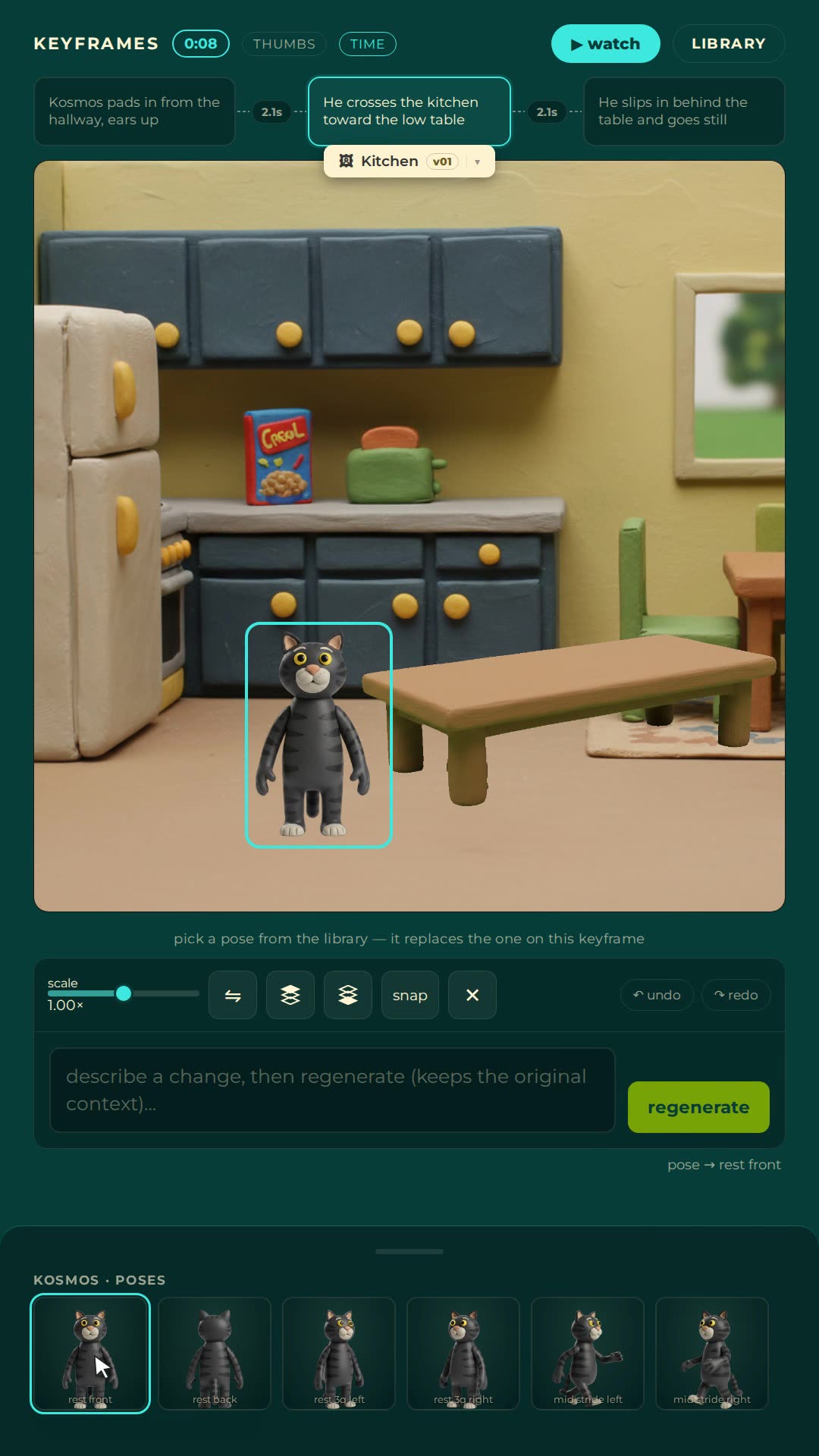
Nima's editor is a storyboard that renders. The rail across the top is the board: one card per keyframe, the beat written on the card, the timing between cards shown as seconds. Characters come from locked references, so the same face lands in every panel without any extra work, and you place them on the canvas by dragging. A dashed rule between two cards is a hard cut.
To be plain about what it is not: Nima does not take a pasted script and hand back a finished board in one click. You build the board a keyframe at a time. What you get for that is a board where every panel is already an instruction the renderer will follow.
The free plan comes with finished films you can open in the editor, with every keyframe, cut and timing intact. Taking one apart is the fastest way to learn how many panels a real scene needs. Open Nima free.
A tool that produces storyboard panels from a description using image generation. Some return a sheet of independent images for pitching. Others keep each panel as a keyframe with timing, so the board can be rendered into the video it describes.
Close, and in AI animation they can be the same objects. A storyboard panel shows a moment of the story. A keyframe is a still the video must pass through. When the panel is used as the keyframe, the plan and the instruction are one image.
Because each panel was generated on its own from words, and words do not pin a face. The fix is one fixed reference image per character that every panel is built from, rather than a longer description.
Tools exist that split a script into scenes and draw a panel for each. Treat the result as a first draft. The decisions a storyboard exists to make, where the cuts go, what the camera sees, how long each move takes, still need a person to look at the board and change it.
Fewer than people expect. Two or three per shot: the start, the end, and any point where the intent changes. A twenty second scene in three shots is about nine panels.
No. The panels are generated and the characters are placed by dragging. What you need is the decision about what each panel should show.
Nima's keyframe rail is a storyboard that renders: the panels you plan with are the keyframes the film is made from. Try it free.