Nima turns one photo of your pet into a short animated video in which your pet talks. You upload the photo, pick a look such as claymation or felted wool, choose what happens, and Nima writes the lines, gives your pet a voice and animates the scene. It works in the browser with no app to install, and the first video is free.
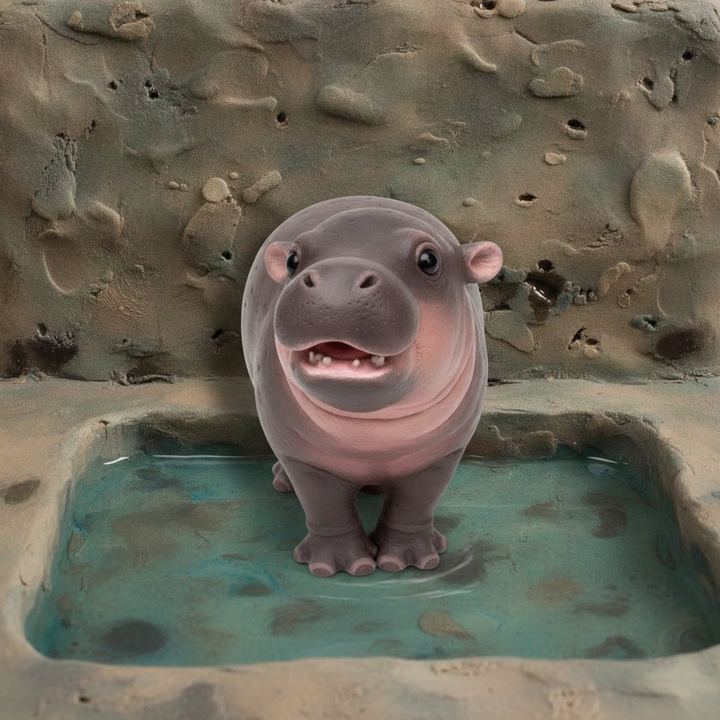
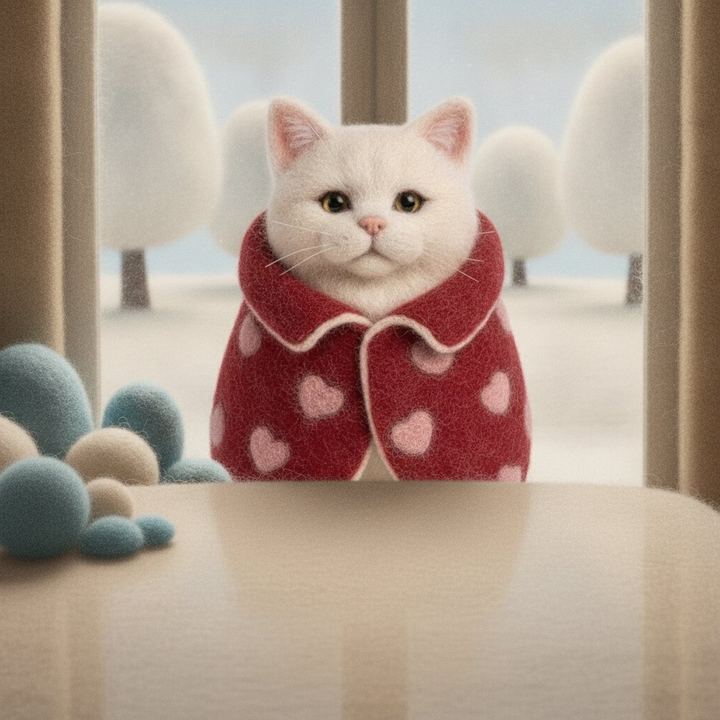
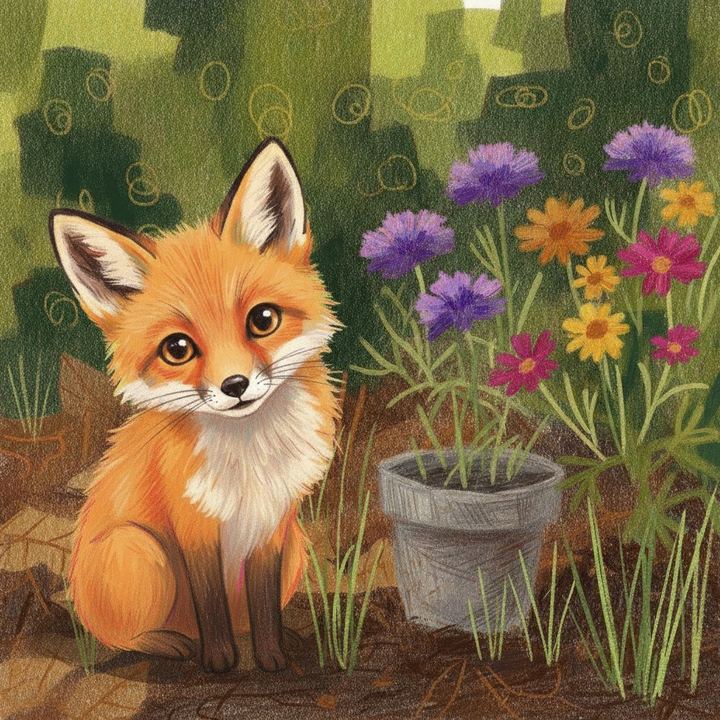
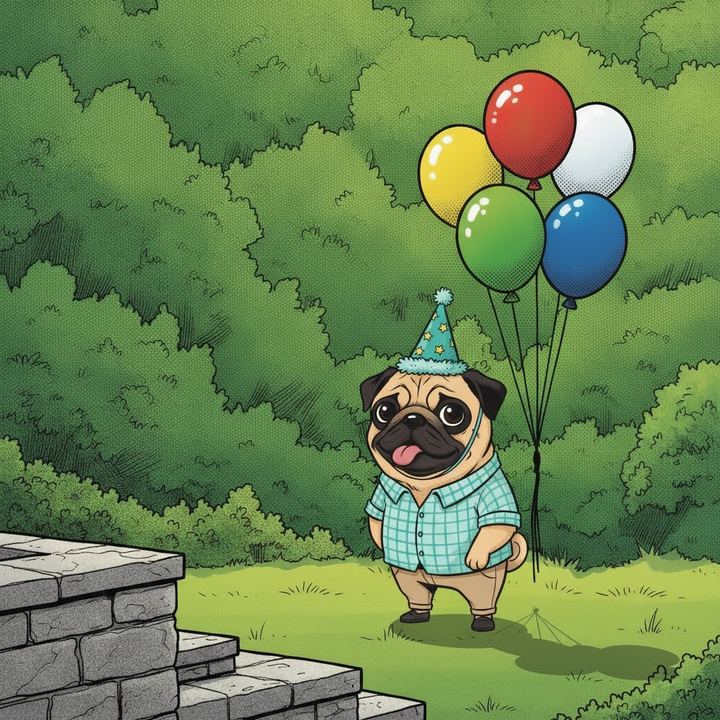
Free for your first video. No app to install.
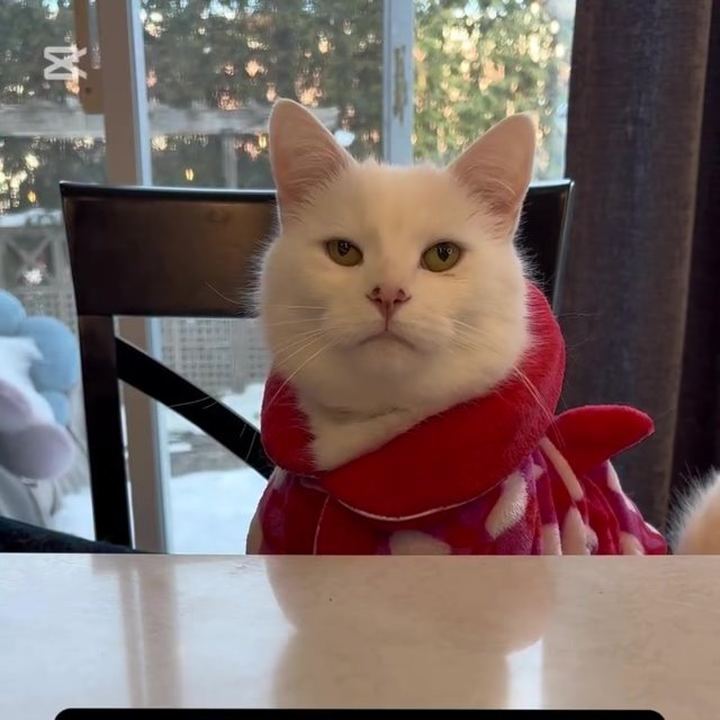
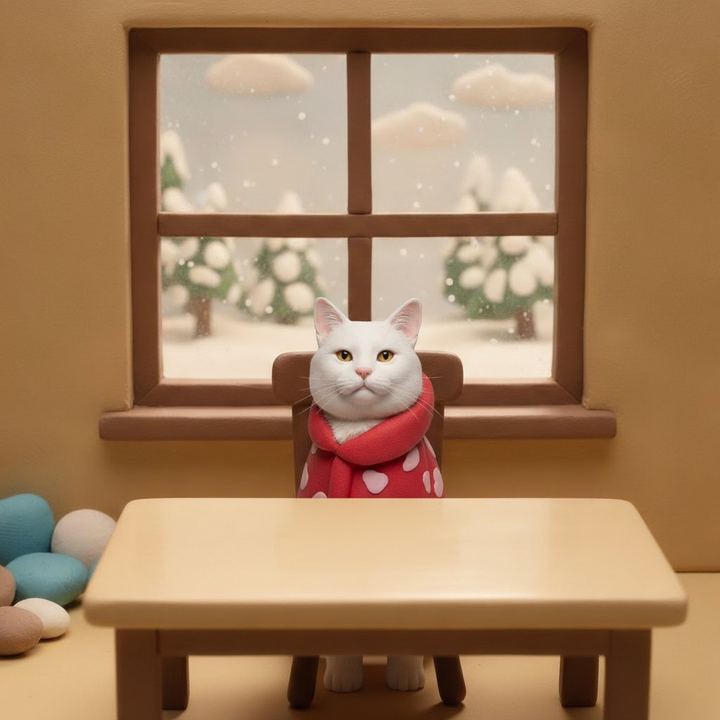
This is not a filter on top of your photo, and it is not a mouth pasted onto a still. Your pet is redrawn as a character in the look you pick, placed in a scene, and animated with a voice. The markings, the jumper, the expression come from your photo.
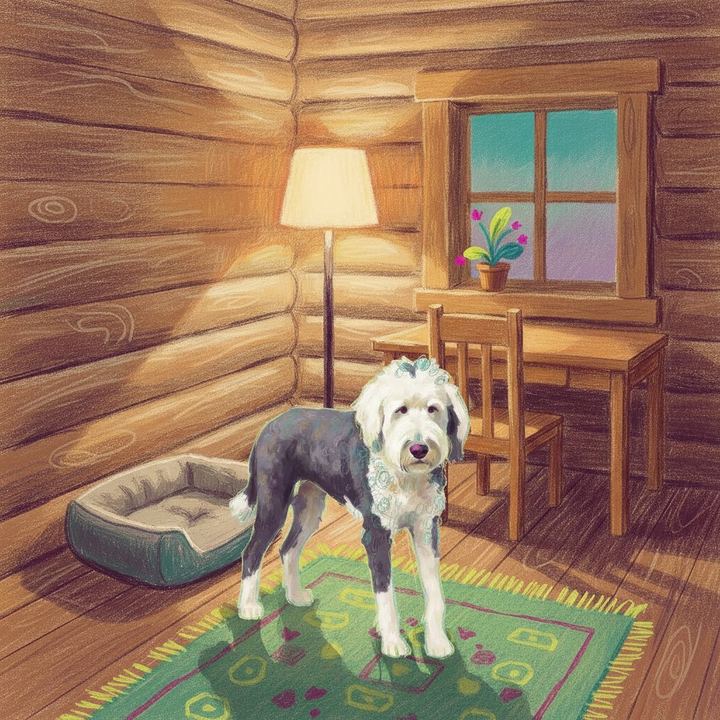
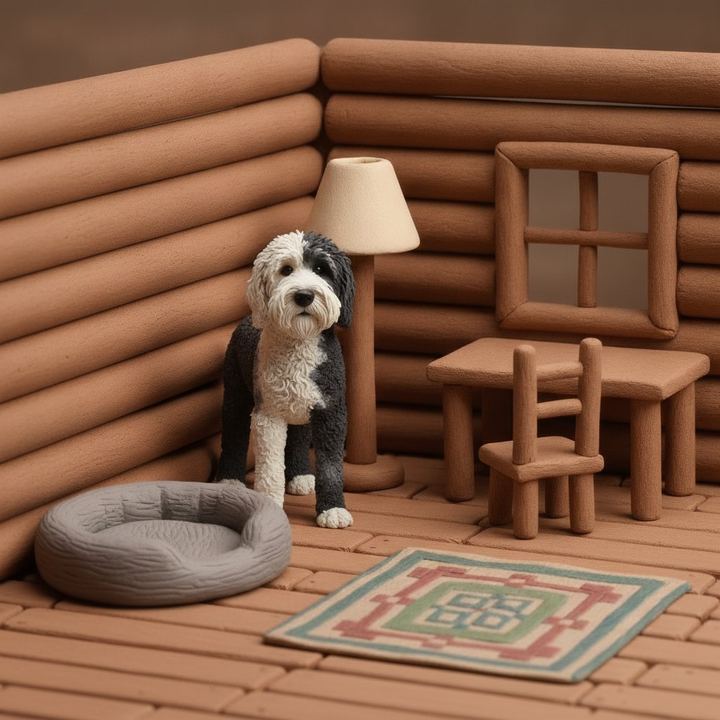
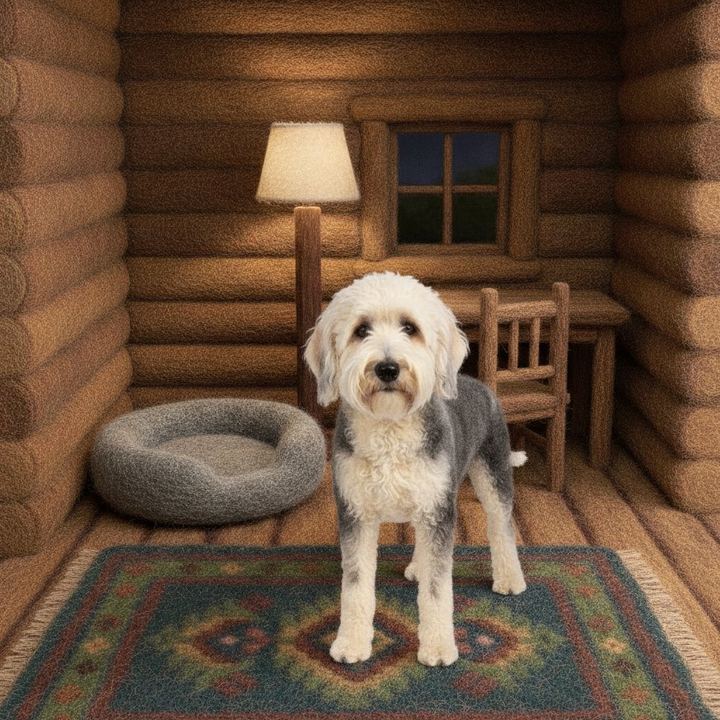
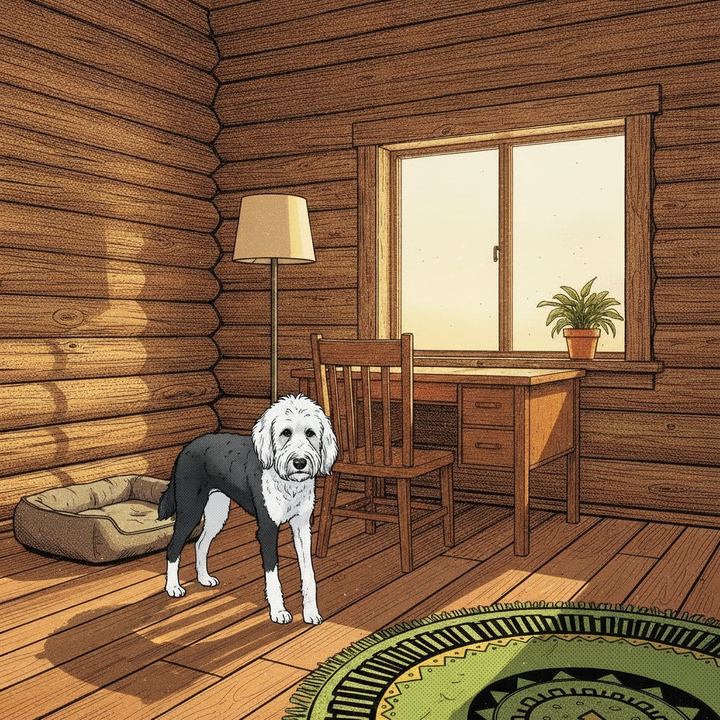
One photo, four looks.
Use a photo of just your pet. When the only subjects in the photo are animals, the animals do the talking. If a person is in the photo too, the person may get the lines instead.
Two pets is the best case. Two subjects gives Nima a conversation to write: the dog guarding the ball and the dog who wants it.
Pick a photo with something going on. A party hat, a stolen sock, a look of betrayal at the vet. The story ideas come from what is in the frame.
Whole animal, clear view. A pet that is half out of frame or very small in the picture is harder to redraw faithfully.
One photo makes one short clip, about ten seconds, square. Two subjects at most, so a group shot will not work. The background is redrawn in the look you pick, so it will resemble the place in your photo rather than copy it. Your first video is free; more are on a paid plan.
Nima does it in the browser, so there is nothing to install. You upload a photo of your dog, pick a look, and get back a short animated video in which your dog speaks with a voice you choose. It works on a phone or a computer.
Upload one clear photo of your dog, choose an animation look, pick one of the story ideas or write your own, and check the lines and the voice. The video is rendered and the link is emailed to you.
Yes. Any pet works: cats, dogs, rabbits, birds. Animals are given a voice from the same cast as people, and you can change the voice before the video is made.
Yes. Nima writes the lines first, and you can rewrite any of them. Lines are short, because the whole clip is about ten seconds.
Yes. The dialogue language can be changed before the lines are recorded, and there are twenty to choose from.
Your first video is free. Making more is on a paid plan.
No, it starts from a single photo.
Turn one photo of your pet into a talking animated video. Make your pet talk.