Nima turns one photo into a short animated video. It is a different thing from the tools that make a photograph move: instead of warping the original pixels, Nima redraws the people or pets in your photo as characters in an animation look, writes them a small scene with spoken lines, and renders it. You get a ten second cartoon of your moment, with voices.
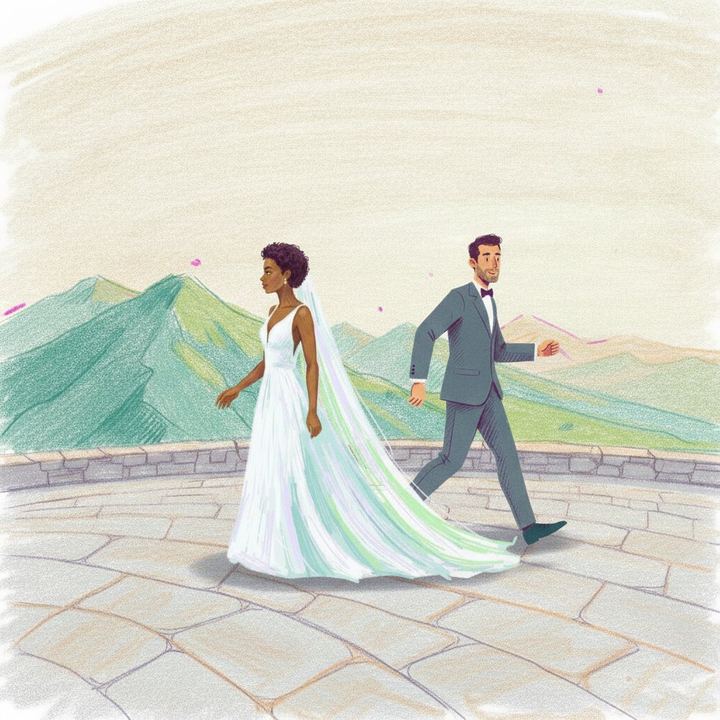
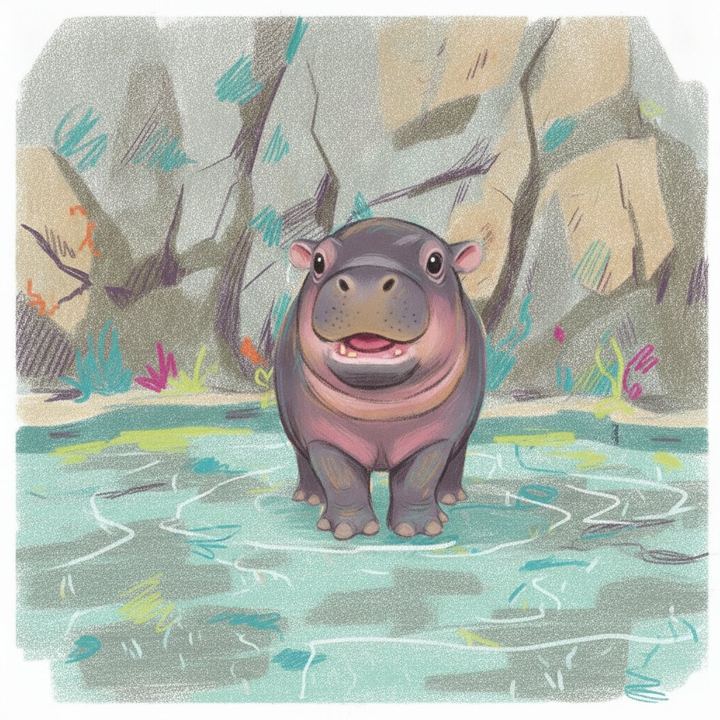
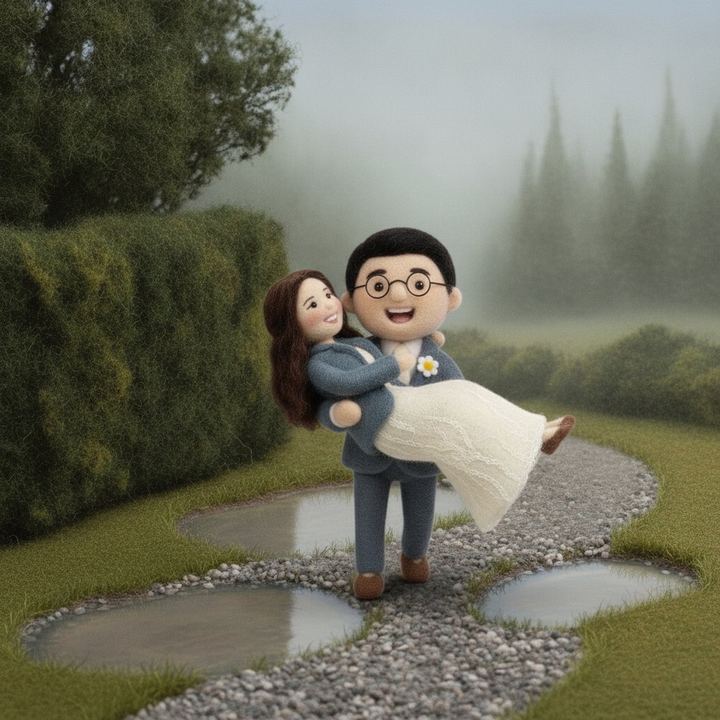
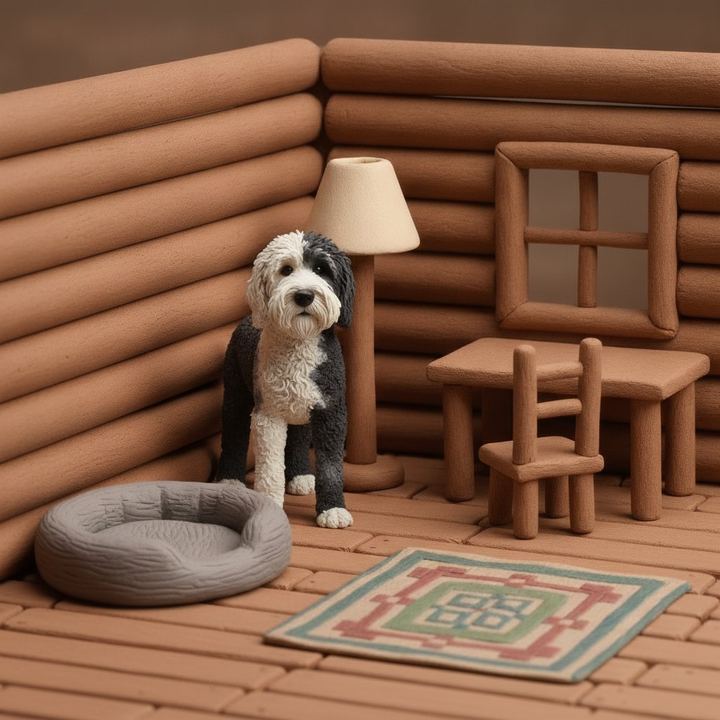
Free for your first video. No app to install.
| Photo animators | Nima | |
|---|---|---|
| What moves | Your original photograph | Characters redrawn from your photograph |
| Look | Photoreal | Claymation, felt, paper, ink, pencil, anime and more |
| Sound | Usually none | Written lines, spoken by voices you choose |
| Story | A few seconds of motion | A small scene with a beginning and an end |
| Best for | Bringing an old portrait to life | A gift, a joke, a keepsake |
If you want a photograph of your grandfather to blink and smile, you want a photo animator. If you want your dog to complain about the vet in claymation, you want this.

One photo of your dog or cat, and it speaks.
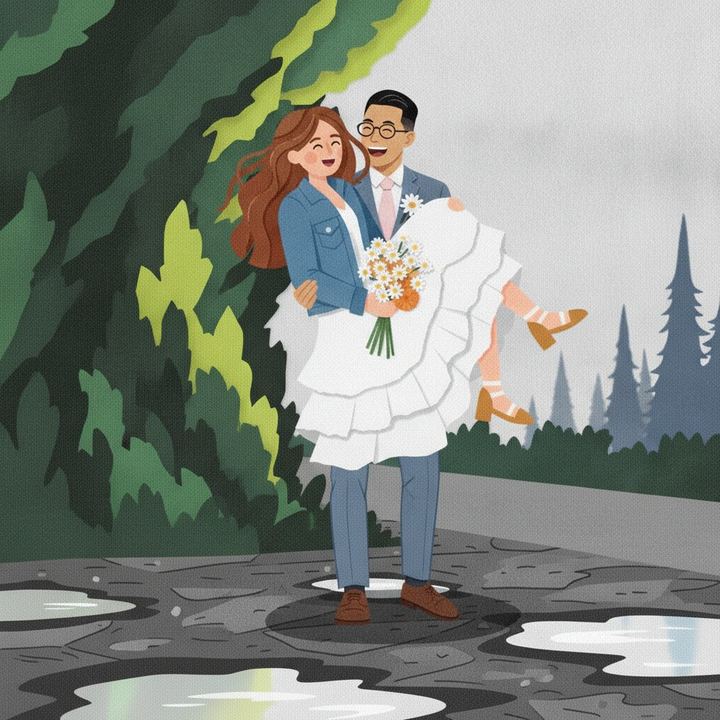
You, redrawn as a character in a look you choose.
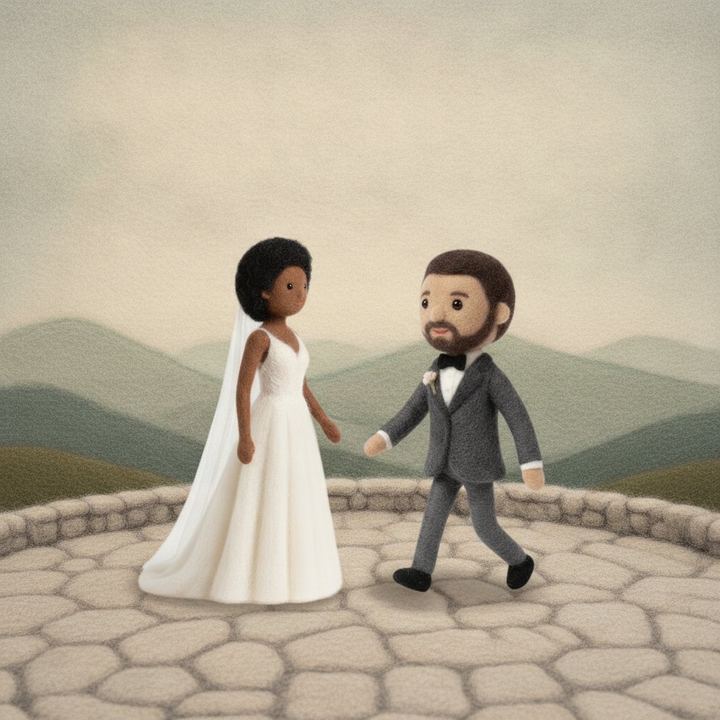
A keepsake or an anniversary gift from one photo.
One photo makes one short clip, about ten seconds, square. Two subjects at most, so a group shot will not work. The background is redrawn in the look you pick, so it will resemble the place in your photo rather than copy it. Your first video is free; more are on a paid plan.
Upload one photo to Nima, pick an animation look, choose what happens in the scene, check the lines and voices, and the video is rendered and emailed to you.
Your first video on Nima is free. Making more is on a paid plan.
Yes. The characters drawn from your picture speak lines in voices you choose, and you can rewrite the lines. It is a cartoon version of the people or pets in the picture that talks, not the original photograph.
About ten seconds, square, with sound.
One or two subjects, people or pets.
No. It runs in the browser on a phone or a computer.
Upload a photo and get a short animated video with voices. Animate my photo.